


Recent reports indicate a persistent friction between GPU Firmware and core system components, manifesting as sudden reboots and display output failures. Users of older hardware, such as the PowerColor RX 5700 XT, report crashes in DirectX 12 environments despite lower power draw, while newer architectures—notably the Intel Arc B580 LE—struggle to re-initialize display outputs during warm reboots when paired with specific APU-equipped processors like the Ryzen 7 5700G.
Core Insight: GPU instability is frequently misattributed to driver software, when the root cause is often a communication mismatch between the vBIOS and the motherboard's UEFI or CPU architecture.
Incident Observations
The behavior varies across hardware generations and manufacturers, pointing toward a systemic fragility in how graphic hardware communicates with the motherboard during boot or high-load states:
| Hardware Component | Reported Issue | Triggering Condition |
|---|---|---|
| PowerColor RX 5700 XT | Instant Reboot | DX12 Applications |
| Intel Arc B580 LE | No Display Output | Warm Reboot (with 5700G APU) |
| NVIDIA RTX 5060 | Black Screen | System Restart |
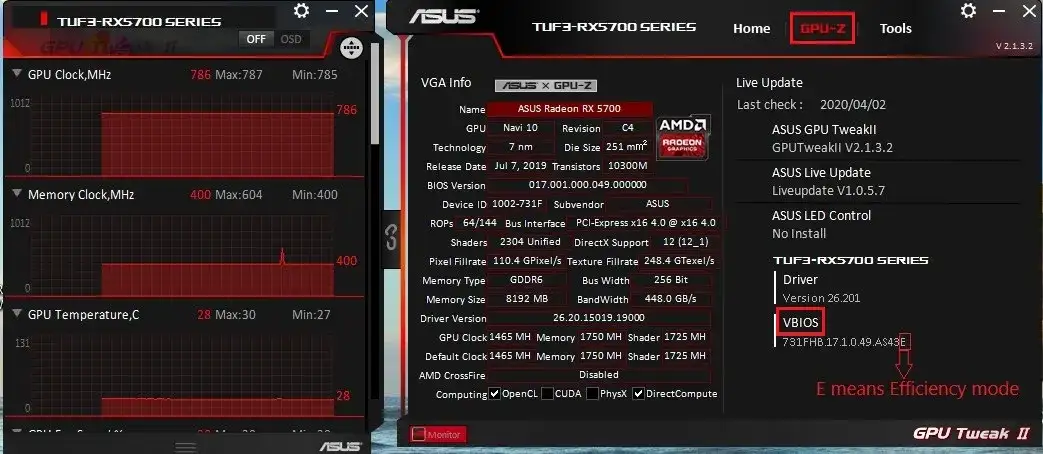
For the RX 5700 XT, users have identified discrepancies between installed firmware (version 017.001.000.068.000000) and manufacturer-listed baseline versions, though standard flashing carries significant risks of bricking.
The Intel Arc B580 LE failure appears linked to specific CPU PCIe lane management; the issue disappears when switching to a non-APU Ryzen 5 5600X, suggesting an incompatibility with the Ryzen 7 5700G memory or PCIe controller.
NVIDIA addressed similar "black screen" phenomena in 2025 by issuing a dedicated firmware patch for the RTX 5060, acknowledging a low-level communication breakdown between firmware and UEFI.
Diagnostic Risks
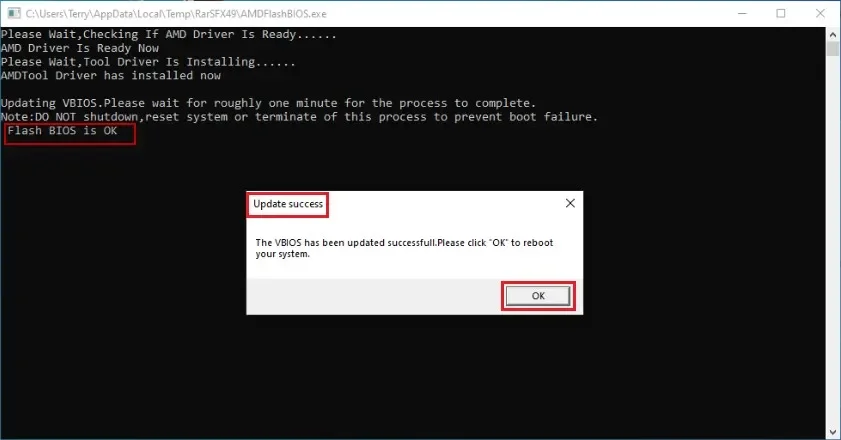
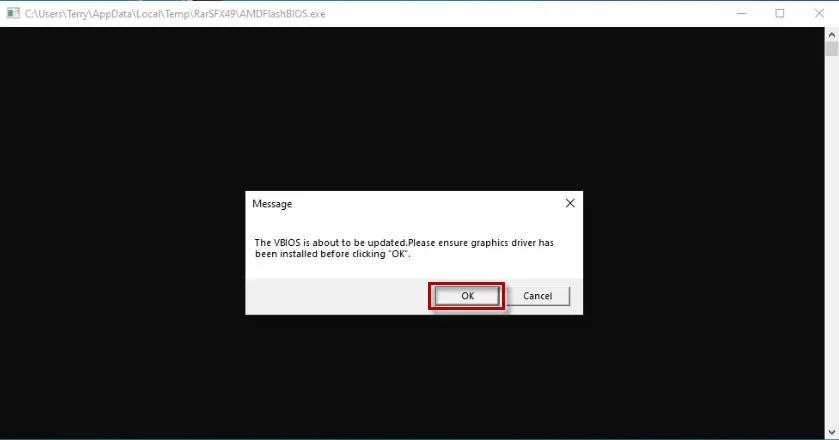
Attempting to resolve these crashes through unauthorized vBIOS Flashing remains a high-stakes endeavor. While tools like NVFlash or manufacturer-specific utilities (e.g., ASUS WINFLASH) exist, success requires an identical PCB layout and power phase matching. Mismatched firmware can result in a total loss of functionality, often requiring "blind" recovery methods using a USB drive to revert the state.
Read More: Chrome mimeHandler API lets extensions handle file types
Contextual Background
The industry relies on a fragile handshake between the system BIOS and the card's onboard firmware. When this handshake fails—either due to aggressive power-state changes in Windows 11 or architectural conflicts—the hardware essentially stops communicating. While major vendors like NVIDIA provide patches to resolve these gaps, older cards and third-party partner boards are often left to navigate version mismatches alone, leaving the burden of verification on the user.



.png)

