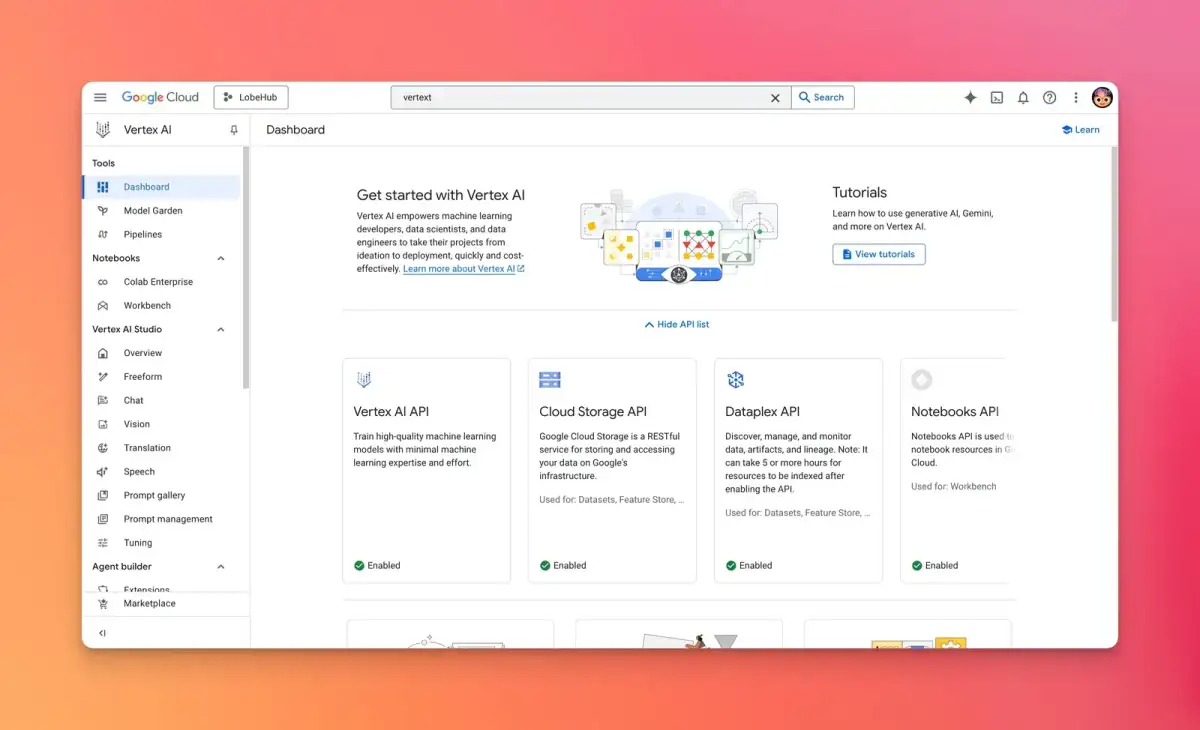
Google Cloud's Vertex AI platform is presenting itself as a central nexus for the development and deployment of generative AI applications. The platform offers tools like Vertex AI Studio, designed for prototyping and iterating on AI interactions, and integrates various AI services into a unified environment. This consolidation aims to streamline the process for developers looking to build and deploy AI models, including those leveraging large language models such as Google's Gemini.
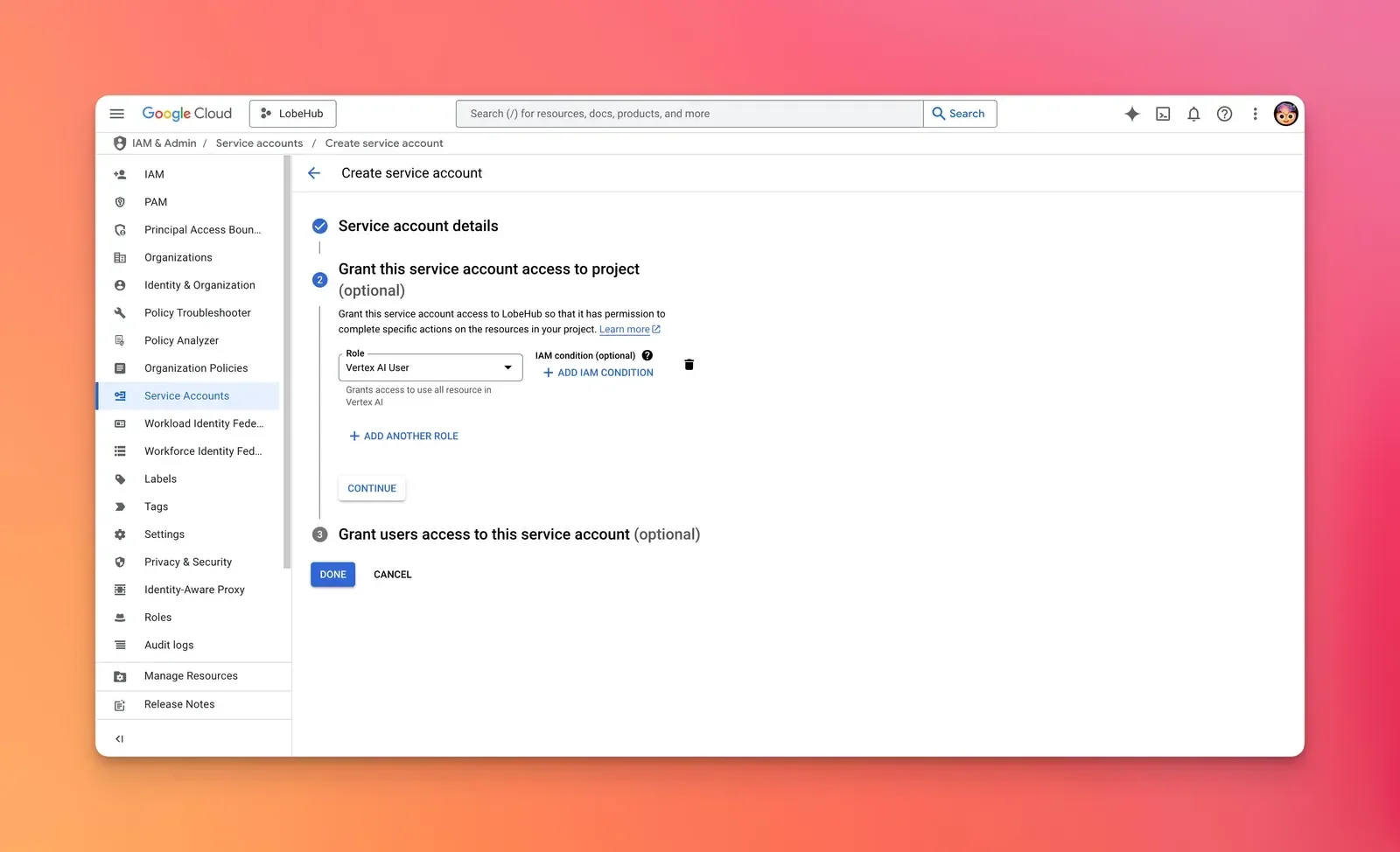
The core of accessing these capabilities hinges on the management and correct configuration of API keys and service accounts. Users are advised to enable the Vertex AI API within their Google Cloud projects and ensure that the service accounts associated with their API keys possess the necessary Identity and Access Management (IAM) permissions, specifically roles like roles/aiplatform.admin, to avoid "403 Permission Denied" errors. These permissions are crucial for successful model interaction and deployment.
Read More: Chrome mimeHandler API lets extensions handle file types
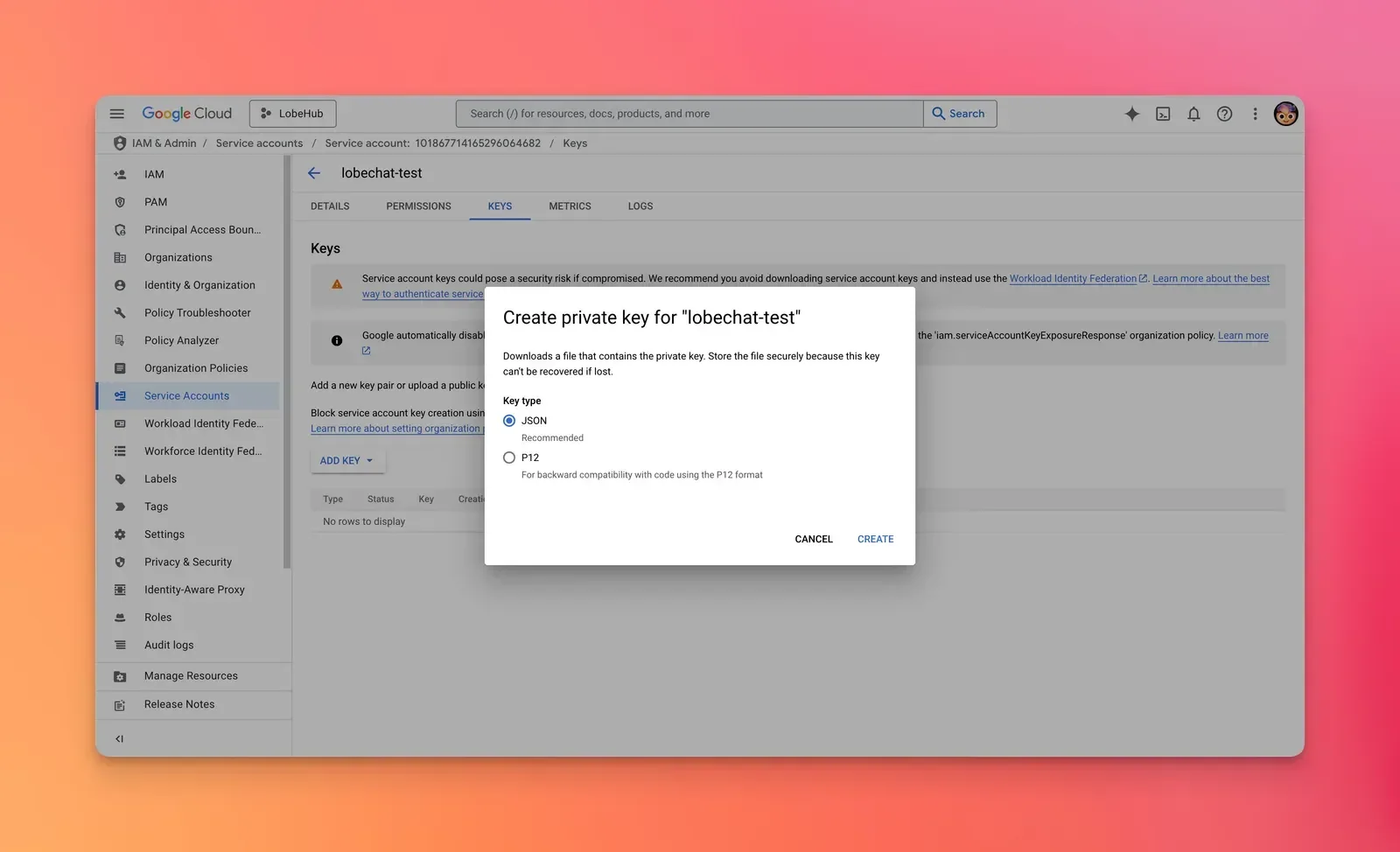
Recent documentation highlights the necessity of obtaining and utilizing API keys for interaction with models like Gemini. These keys can be generated and managed through the Google AI Studio's API Keys page. The platform also flags when API keys become unrestricted, suggesting a phased rollout or policy change regarding their usage. For more direct interaction, particularly with Gemini's generative capabilities, users are directed to the Gemini generateContent API.
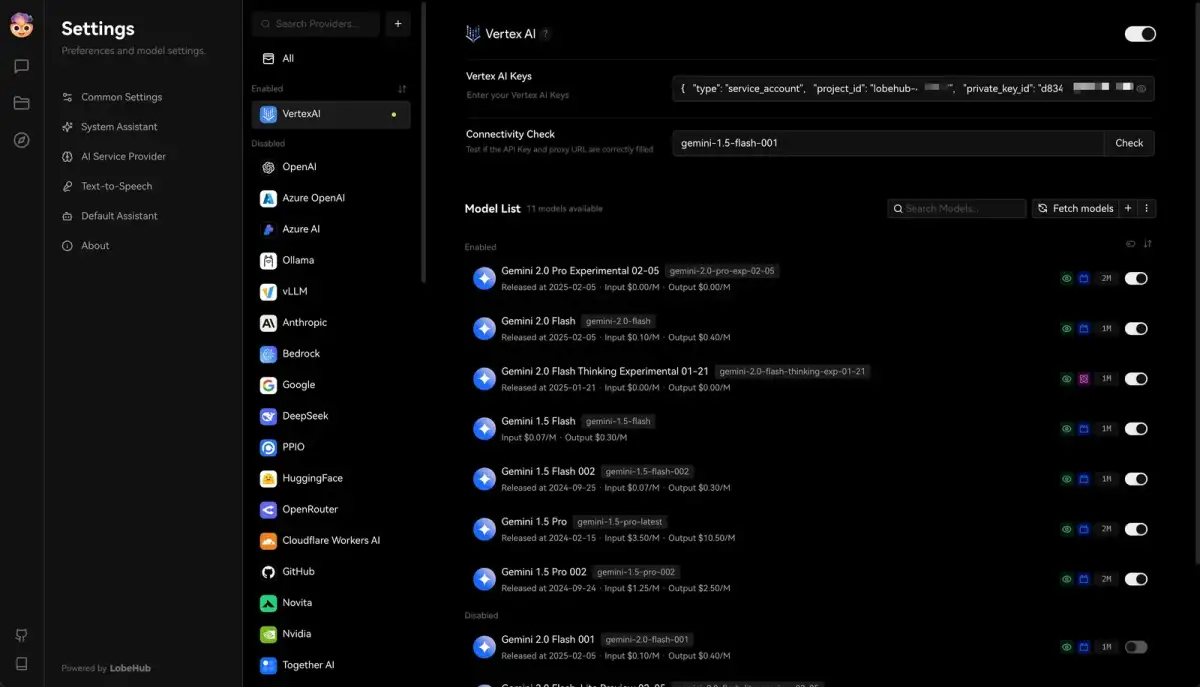
Vertex AI's scope extends to integrating with other platforms and services. For instance, documentation shows how to configure Vertex AI within LobeHub for conversational AI applications, and guides outline how to enable and utilize models like Claude Code within a Google Cloud project for specific generative tasks. The platform's architecture, pricing, and use cases are subjects of detailed tutorials, indicating a push for broader adoption and understanding.
Read More: AWS DLAMI DLC Now Use SOCI Snapshotter For Faster Starts
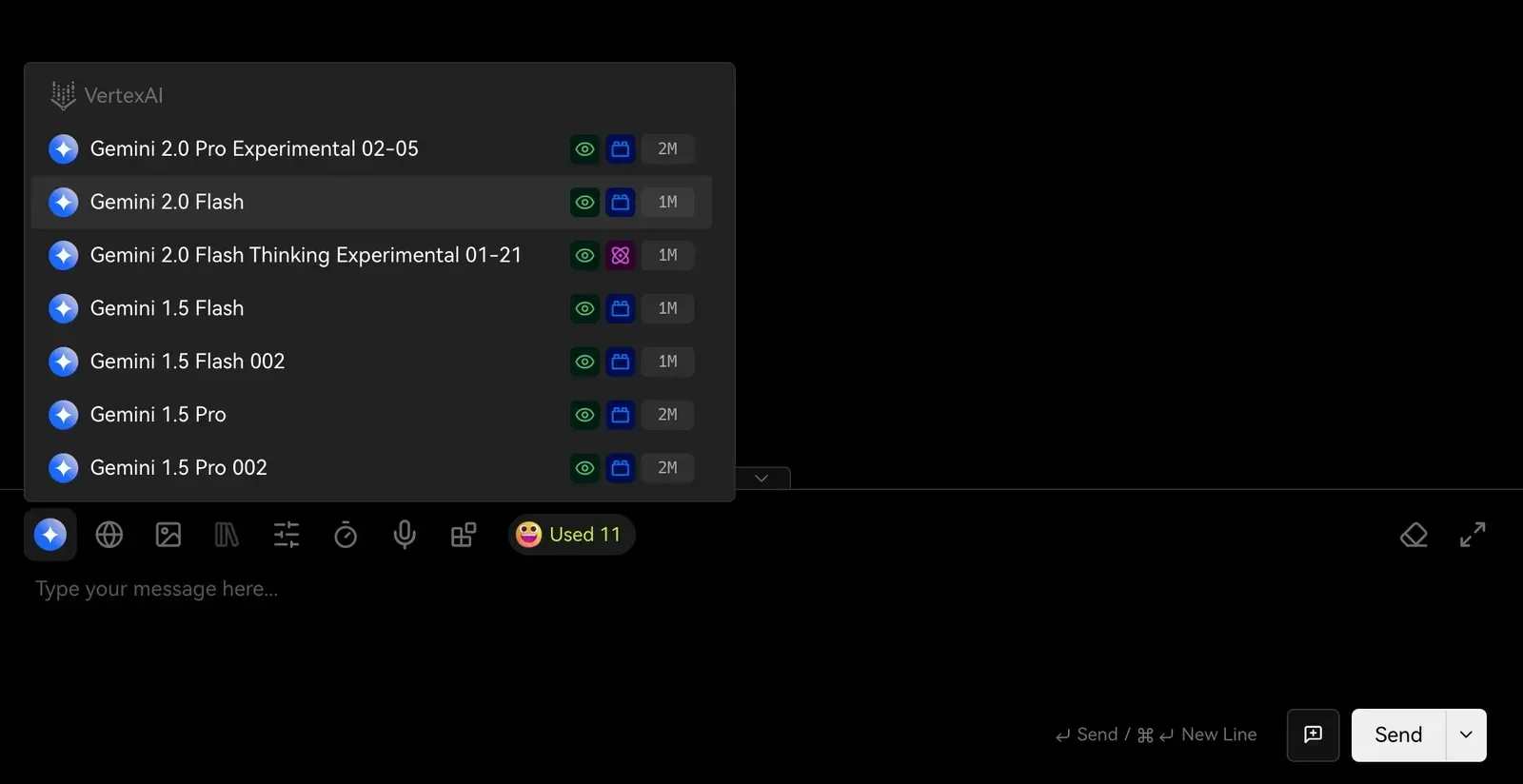
The Vertex AI Studio specifically is positioned as a console experience for prototyping generative AI. It is presented as a tool within the broader Vertex AI ecosystem, with courses available that introduce its functionalities, from prompt design and engineering to model tuning and the prompt-to-product lifecycle. This suggests a layered approach to AI development, where initial experimentation can occur within the Studio before potentially moving to more robust deployment within the Vertex AI platform.
Background:
The underlying infrastructure for these AI services requires an active Google Cloud project. Developers are directed to enable specific APIs, such as aiplatform.googleapis.com, as a prerequisite. The platform supports various endpoint configurations, including global, multi-regional, and regional options, though model availability may vary across these locations. Proper region configuration is noted as important for successful API calls, particularly when dealing with specific models. The integration of these services underscores Google Cloud's strategy to unify AI development and deployment, aiming to provide a comprehensive environment for machine learning and generative AI endeavors.
Read More: BEREC Asks for Mobile Network API Ideas from Developers