

A recent update to YUMI exFAT, a tool for creating multiboot USB drives, introduces enhanced preparation options for drives. This software allows users to install multiple operating systems and utility tools onto a single USB flash drive, with the exFAT file system support noted as a key feature. The update, detailed in a September 29, 2025, release from PortableApps.com, builds upon the functionality of its predecessor, MultibootISOs.
The core function of YUMI exFAT is to facilitate the creation of a single USB drive capable of booting various operating systems, including numerous Linux distributions. It also supports other essential utilities such as antivirus programs, disk cloning tools, and diagnostic software. Users must be aware that the process of creating these multiboot drives involves formatting the USB drive, which will erase all existing data. Therefore, backing up important files before proceeding is a necessary precaution.
Read More: Chrome mimeHandler API lets extensions handle file types
Functionality and Purpose
YUMI exFAT (Your Universal Multiboot Integrator with exFAT support) serves as a solution for consolidating multiple bootable environments onto one portable storage device.
Multiboot Capability: The software enables the creation of a single USB drive that can house and boot multiple operating systems.
Content Support: Beyond operating systems, it can integrate various utility tools like antivirus scanners, disk management utilities, and diagnostic software.
File System: The inclusion of "exFAT" in its name highlights its support for the exFAT file system, which offers advantages in handling large files and cross-platform compatibility compared to older formats.
Release and Evolution
The YUMI exFAT software has seen recent development and distribution.
Recent Release: A version, YUMI-exFAT Portable 1.0.3.1, was released on September 29, 2025, and made available through PortableApps.com.
Successor to MultibootISOs: YUMI exFAT is presented as the successor to the previously known MultibootISOs software.
Early Version: An initial mention of YUMI exFAT dates back to January 1, 2010, suggesting a long development history for the YUMI brand, though specific features and file system support may have evolved.
Usage and Limitations
The primary use case involves preparing a USB drive for booting diverse software.
Drive Preparation: Users select and prepare their USB drive for the multiboot integration process.
Linux Distributions: The tool is capable of booting hundreds of Linux distributions.
Persistence: Both Debian and Ubuntu are noted to support persistent live USB sessions on YUMI exFAT, though their implementation of persistence differs.
Unsupported Functionality: Installing an operating system from a YUMI-created USB drive to a computer's hard drive is not an officially supported feature of the software.
Related Tools and Considerations
The landscape of bootable USB creation includes several tools, some of which are mentioned in relation to YUMI.
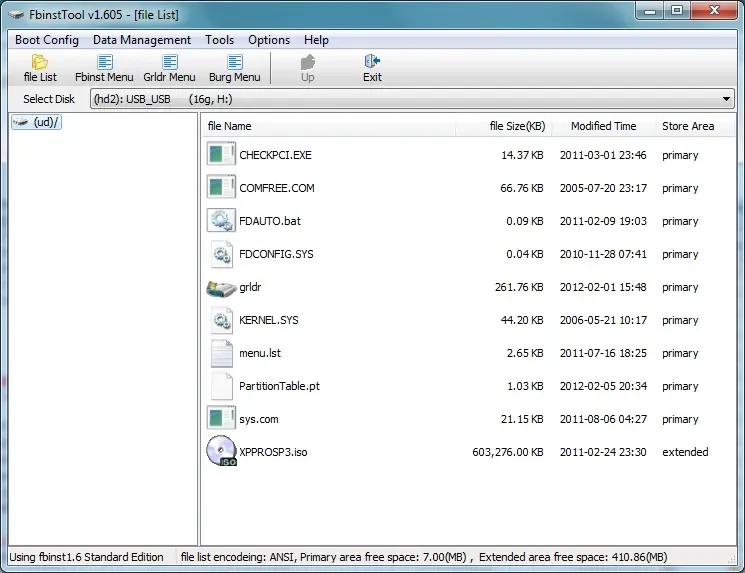
Alternatives: Other tools like FBINST, XBOOT, and WinSetupFromUSB are also noted for their capabilities in creating bootable USB drives for Windows and Linux.
Data Erasure: A common aspect of creating bootable USB drives with tools like YUMI is that the process will erase all existing data on the drive. Users are advised to back up any critical information beforehand.
Expert Analysis
Information from the provided sources indicates that YUMI exFAT is a utility focused on creating multiboot USB drives. The "exFAT" designation signifies its capacity to utilize the exFAT file system. This file system is generally regarded as more versatile for large files and cross-platform use than FAT32. The portability of the software, as highlighted by its presence on PortableApps.com, suggests it can be run without needing a full installation on the host system.
Read More: LLM Council AI System Released 7 April 2026 for Better Accuracy
Conclusion
YUMI exFAT is a tool designed to consolidate multiple bootable operating systems and utilities onto a single USB flash drive. Recent updates, including a 2025 release, focus on drive preparation options. While it supports a wide range of Linux distributions and offers persistence for some, installing operating systems to a hard drive from a YUMI-created USB is not supported. Users should exercise caution and back up their data, as the creation process involves formatting the USB drive. The software is positioned as an evolution of earlier multiboot integration tools.
Sources
YUMI exFAT | Best Multiboot Bootable USB Software Tool
Published: Jan 1, 2010
Context: This source provides a foundational description of YUMI exFAT, emphasizing its multiboot capabilities and specific mention of Linux distributions and persistence differences.
YUMI-exFAT Portable 1.0.3.1 (multiboot USB creator with exFAT support) Released | PortableApps.com
Published: Sep 29, 2025
Link: https://portableapps.com/news/2025-09-29—yumi-exfat-portable-1.0.3.1-released
Context: This is the primary source for the most recent release information, detailing the portable version and its status as a successor to MultibootISOs.
Utilizing YUMI MultiBoot to Create Multi Bootable USB Drive
Published: Aug 21, 2023
Context: This source offers practical usage advice, including the critical warning about data erasure during the drive preparation and the necessity of backups.
070 – FBINST, XBOOT, YUMI AND OTHER POPULAR USB BOOT SOLUTIONS – RMPrepUSB
Seen on: Bing
Link: https://rmprepusb.com/tutorials/070-fbinst-xboot-yumi-and-other-popular-usb-boot-solutions/
Context: This source places YUMI within a broader context of other available USB boot solutions, indicating it is one among several options for users.
Ubuntu Live USB with YUMI exFAT Persistent Linux
Seen on: Bing
Status: Low Priority
Link: https://www.hackster.io/patrick-fitzgerald2/ubuntu-live-usb-with-yumi-exfat-persistent-linux-f3b083
Context: This source was flagged with low priority, and its content extraction was limited, but it points to specific use cases involving Ubuntu and persistent Linux setups.





