

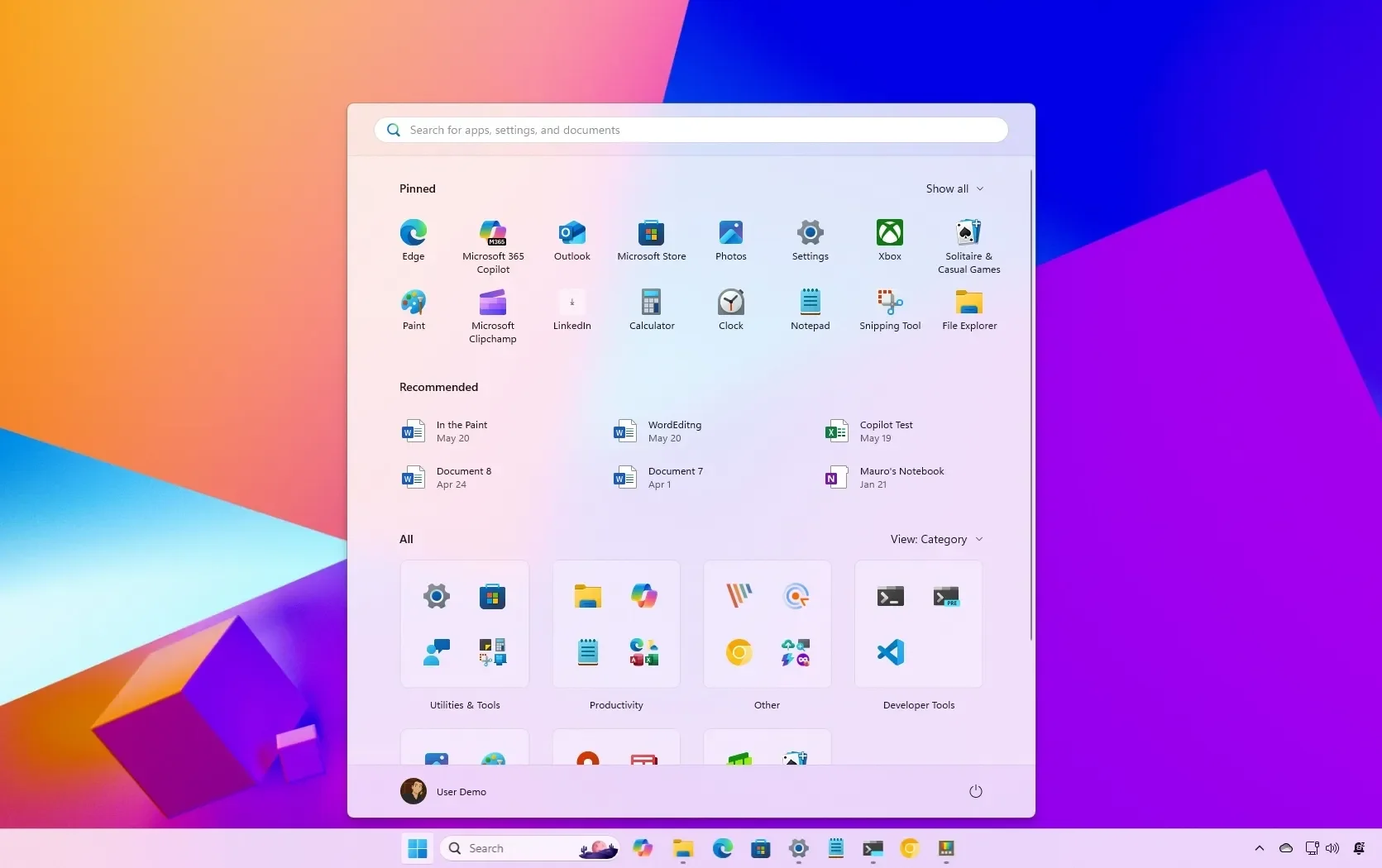
As of May 17, 2026, Microsoft has initiated a testing phase within the Windows Insider program that grants users control over the dimensions and layout of the Windows 11 Start menu. Following years of negative feedback regarding the "one-size-fits-all" design, the software developer is introducing manual resizing options—allowing for 'Small' or 'Large' configurations—alongside new section-level visibility controls.

Core technical adjustments include the ability to hide the 'Recommended' feed and toggle between specific menu sections like 'Pinned' and 'All' applications. Additionally, users are gaining limited agency over taskbar positioning and icon alignment, moving away from the previously locked interface standards.
Functional Scope of Changes
The current testing deployment allows for the following modifications to the desktop environment:

| Feature | Control Mechanism |
|---|---|
| Start Menu Size | Toggle between 'Small' and 'Large' presets |
| Section Visibility | Ability to hide 'Recommended' or 'Pinned' areas |
| Taskbar Placement | Repositioning on top, bottom, left, or right edges |
| Icon Alignment | Switch between centered or left-aligned configurations |
These adjustments are currently restricted to the Experimental channel of the Windows Insider program. Access requires registration with a valid Microsoft account, and these features remain in a preview state rather than a stable production release.
Read More: Chrome mimeHandler API lets extensions handle file types
Background and Context
Since the release of Windows 11, the Start menu has served as a primary point of friction for many users. The design initially favored a fixed, immutable layout that often failed to scale correctly across diverse hardware, such as small-form-factor laptops versus high-resolution monitors.
Previous attempts to modify the environment included a 2025 effort to implement auto-scaling based on resolution, which failed to address the desire for user-driven manual customization. These new controls appear to be a direct response to a sustained period of criticism regarding the removal of the customization options that were historically present in earlier versions of the operating system. By reintroducing these controls, the firm is effectively walking back its earlier decision to enforce a strictly streamlined, rigid interface.
Read More: LLM Council AI System Released 7 April 2026 for Better Accuracy





