


The mechanics for shifting historical message data into Microsoft Teams rely on a specific API state known as startMigration. Developers attempting to bulk-import external platform messages or replicate channel history must transition a target channel into a restricted "migration mode."
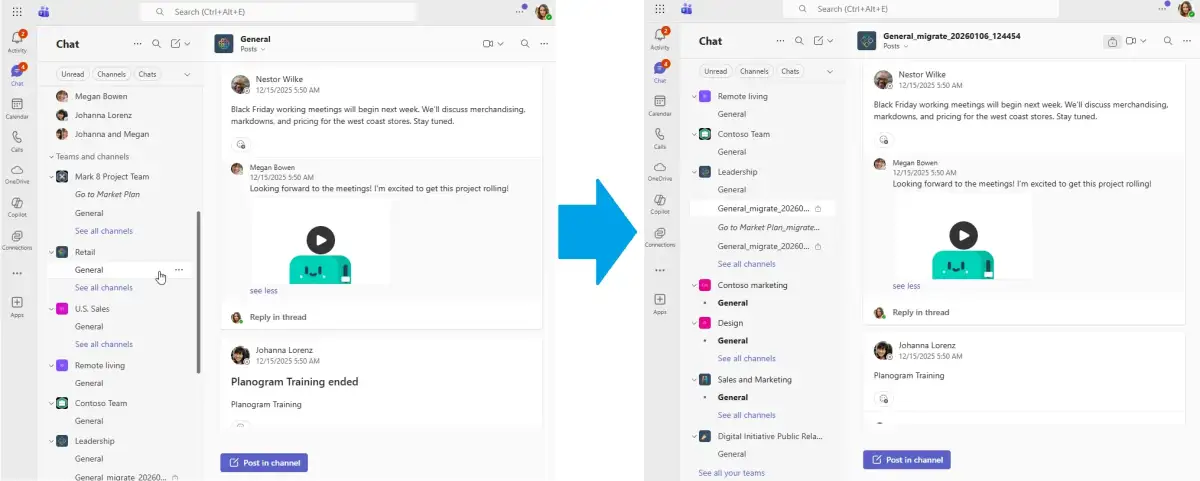
The startMigration endpoint allows for the injection of historical content by setting a conversationCreationDateTime—a critical parameter that permits the backdating of messages.
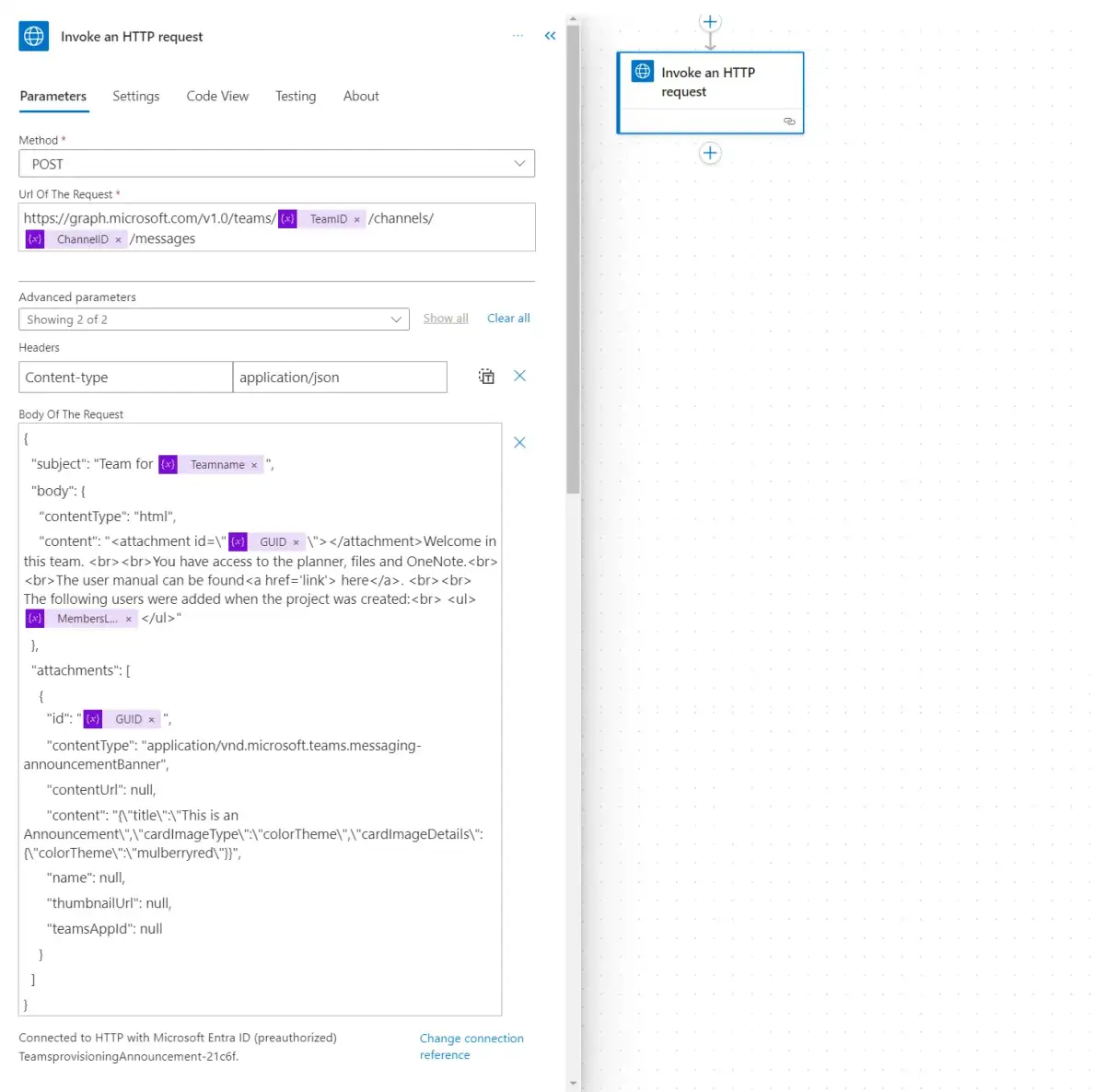
Technical Constraints and Operational Flow
For this operation to function, the developer must hold the Teamwork.Migrate.All permission. Without this, standard posting attempts fail, as the API enforces strict import-only logic to prevent unauthorized message injection in standard, live-operating channels.
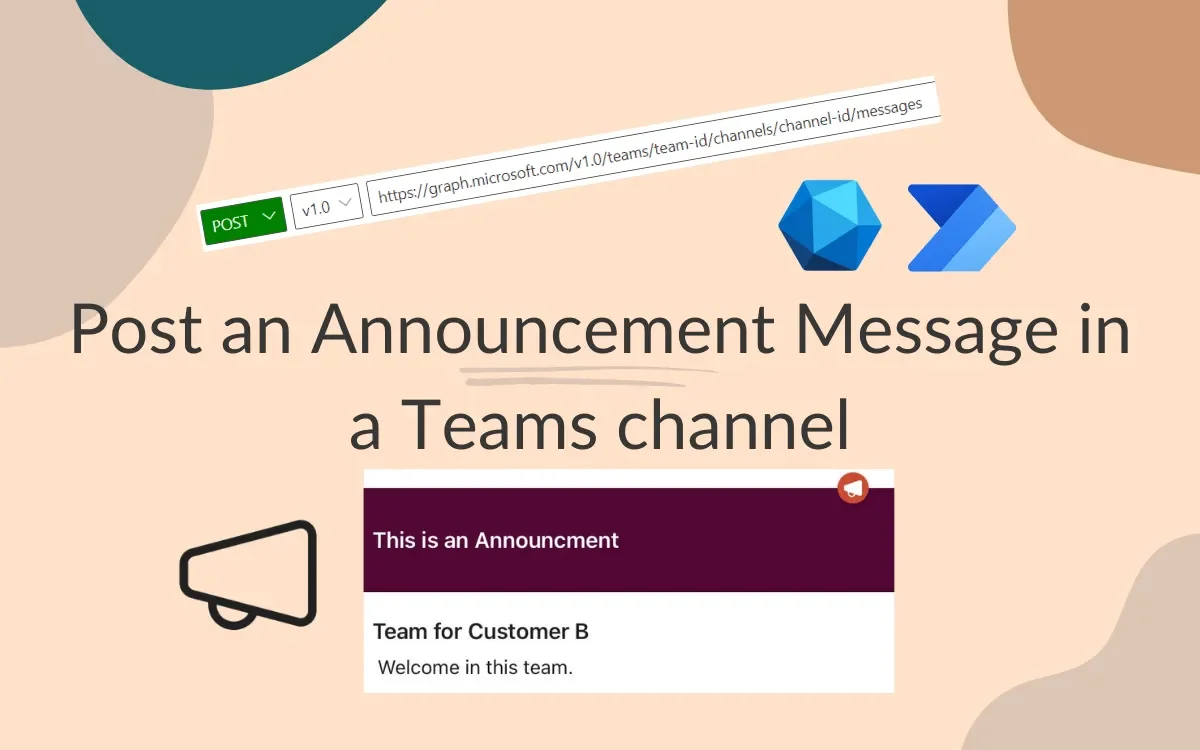
Initialization: A new destination channel must be established. The migration process requires the application to target this specific channel ID.
State Locking: By hitting the
startMigrationendpoint, the channel enters a state where automated message creation—often scripted via PowerShell or Graph SDKs—can bypass normal constraints regarding timestamps and author metadata.Data Handling: Once the migration window is active, scripts iterate through source messages, handling replies and attachments while mapping user identities. If original users are no longer active, systems must employ a "fallback user" to maintain message continuity.
Finalization: Post-import, the process requires a follow-up call to the
completeMigrationendpoint. Neglecting this step leaves the channel in an indefinite state of limbo, which may impede normal collaborative functionality.
Observed API Behavior
Developers are currently navigating the divide between beta endpoints and production stability. While the startMigration tool is documented under Microsoft Graph beta, its implementation is essential for any enterprise-grade migration from third-party systems or legacy archive stores.
Read More: Chrome mimeHandler API lets extensions handle file types
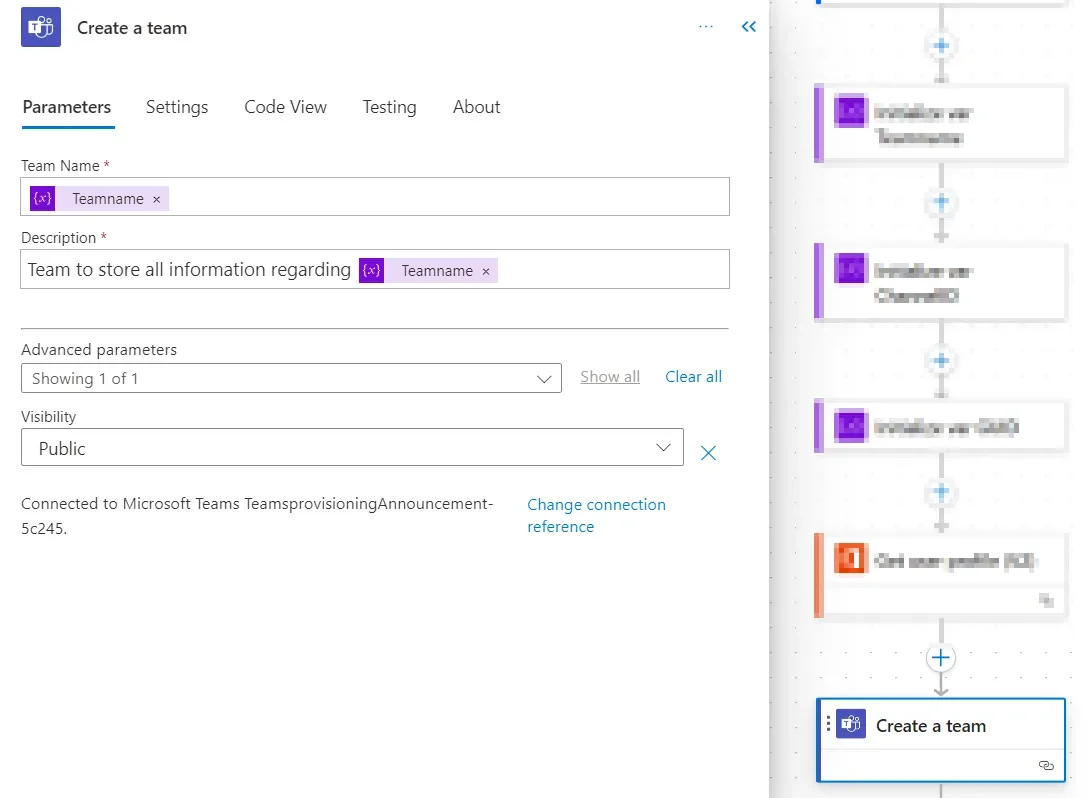
| Phase | Requirement |
|---|---|
| Permissions | Teamwork.Migrate.All (Required for import context) |
| State Control | startMigration (Must be invoked before posting) |
| Integrity | completeMigration (Must be invoked to close the window) |
Investigation into Migration Utility
The reliance on Teamwork.Migrate.All highlights a rigid boundary between collaborative communication and system data ingestion. Microsoft’s architecture intentionally isolates these activities. Attempting to send messages via standard user-context APIs results in authorization errors if the environment detects an automated bulk-import pattern rather than an interactive chat session.
Reflective observation of existing script samples reveals that this is not merely an API call but a managed lifecycle process. Failure to properly define the conversationCreationDateTime or configure a FallbackUserId often leads to truncated logs or abandoned message threads, demonstrating that the "migration" is an fragile process of simulating human history within a machine-controlled environment.





