
This report examines the processes and requirements for moving United States Dollar (USD) funds between bank accounts and the cryptocurrency platform Crypto.com. It clarifies how users can deposit USD via wire transfers and other methods, and how to withdraw funds back to a bank account. The information is based on official Crypto.com help pages and related financial guides.
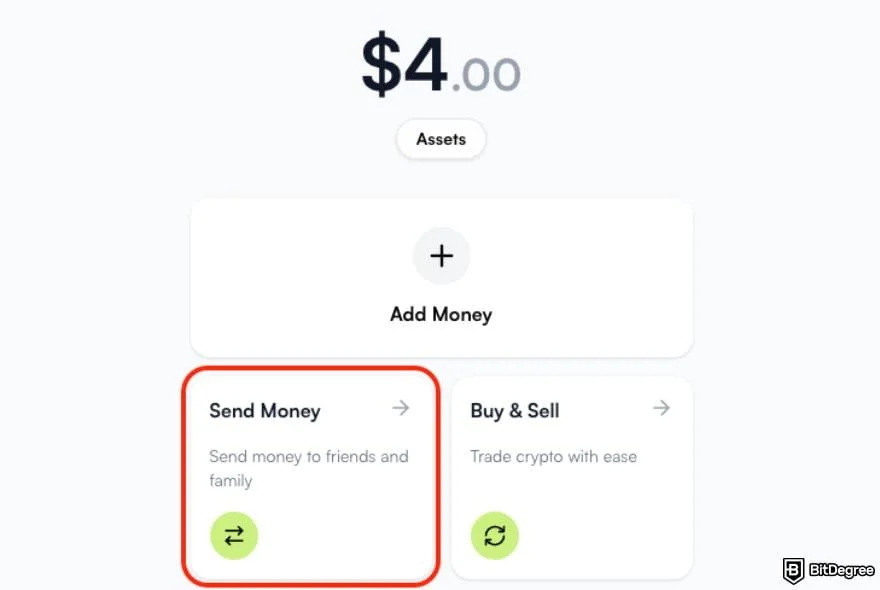
Transferring money in and out of cryptocurrency platforms is a key step for many users wanting to buy digital assets or access their earnings in traditional currency. For Crypto.com users in the United States, understanding the pathways for USD deposits and withdrawals is essential for managing their finances effectively. This involves detailed steps for using bank transfer methods like wire transfers and ACH, ensuring funds are moved securely and accurately.
Read More: Binance Position Info V2 Changes API for Traders on April 7 2026

How USD Funds Reach Crypto.com
Crypto.com offers several methods for users to deposit USD into their accounts. The primary methods discussed are wire bank transfers and instant deposits.
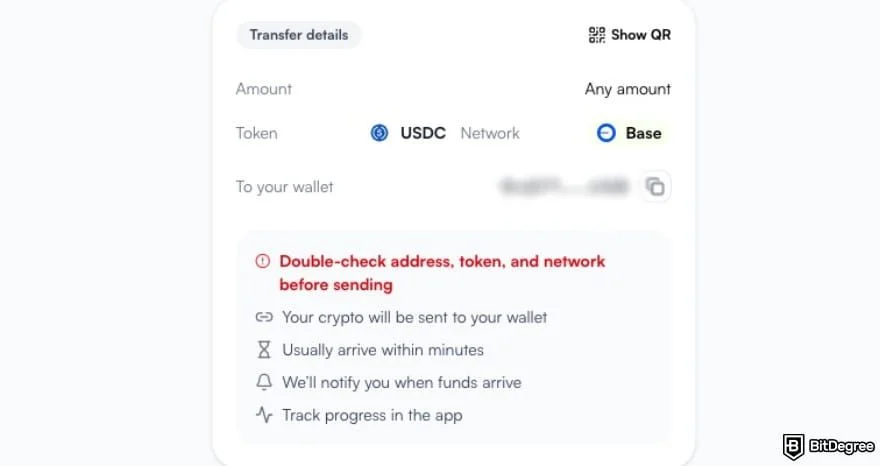
Wire Bank Transfers: This method involves using the user's personal bank transfer details provided by Crypto.com.
Users must initiate the transfer from their own bank account, either through their online banking app or a banking portal.
To find the specific bank transfer details, users navigate through the Crypto.com app: Accounts > USD Account > Transfer > Deposit > Wire Bank Transfer.
The article notes that wire transfers typically take 1-2 business days to process.
Instant Deposits: This method aims for faster fund availability.
Users can add a bank account for instant deposits by going to Deposit > Cash > USD > Instant Deposit > Add Bank account within the app.
Once initiated, funds are expected to be available in the Crypto.com account within a few seconds.
A potential reason for instant deposit failure is insufficient funds in the linked bank account.
Moving USD Back to a Bank Account
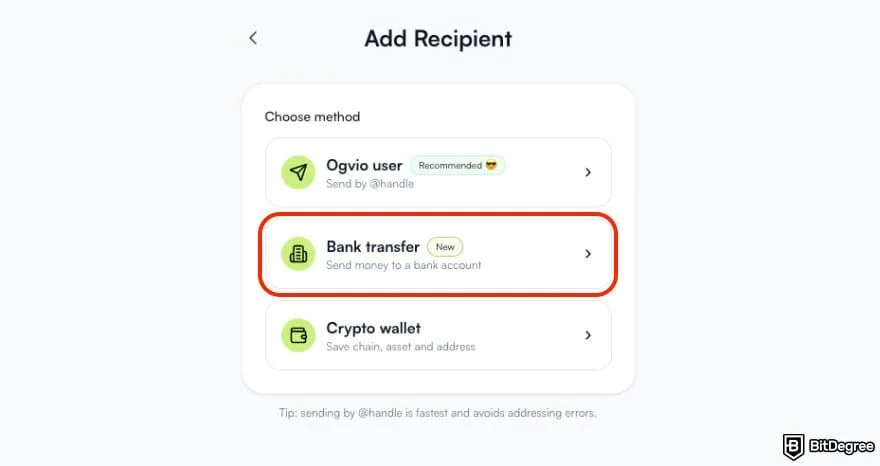
Crypto.com also facilitates the withdrawal of USD funds back to a user's linked bank account. The methods for withdrawal depend on whether the user is a retail or institutional client.
Retail Users (ACH):
US retail users can withdraw USD via ACH bank transfers.
A prerequisite is linking a bank account via Plaid.
For verification, the bank account name must match the Crypto.com Exchange account name.
Withdrawals must be initiated directly from the user's bank account.
Institutional Users (Fedwire):
Institutional clients can deposit and withdraw USD using Fedwire.
Users must ensure they select a Fedwire-compatible bank account.
USD withdrawals are enabled after providing bank account information and completing at least one deposit from the linked bank account.
Deposits must originate from the selected bank account, and the bank account name must align with the Crypto.com Exchange account's legal entity name.
Crypto.com also addresses inquiries about using non-bank provider accounts like Wise or PayPal, emphasizing that deposits should come from a designated bank account.
Transferring Crypto Assets to Bank Accounts
Beyond USD transfers, users may wish to convert their cryptocurrency holdings into traditional currency and send it to their bank accounts.
Process Overview: This generally involves selling the crypto assets on a platform and then initiating a withdrawal to a bank account.
Example (Swaps): The Swaps platform illustrates this by allowing users to select what crypto they want to sell, enter bank details, send the crypto, and then receive cash in their bank account. This process often includes features to see the exact payout before sending crypto.
Processing Times and Fees
The speed and cost associated with bank transfers can vary, affecting the overall user experience.
Wire Transfers: Generally take 1-2 business days for processing.
ACH Transfers: Typically require 1-3 business days.
SEPA Transfers: Standard SEPA transfers can take 1 business day and may incur a €1 flat fee.
Holding Periods: Some platforms, like Coinbase, may hold ACH-funded crypto for 7-10 days. This indicates that not all platforms have the same immediate access policies after a deposit.
Verification and Account Matching
A consistent theme across Crypto.com's deposit and withdrawal processes is the emphasis on verification and account name matching.
Requirement: For seamless verification, it is crucial that the name on the bank account used for transfers matches the name registered on the Crypto.com account.
Purpose: This is to ensure that funds are being moved between accounts owned by the same individual or entity, which is a standard security measure in financial transactions.
Institutional Specifics: For institutions, this requirement extends to matching the legal entity name.
Conclusion
Moving USD funds into and out of Crypto.com is facilitated through established banking channels, primarily wire transfers and ACH. The platform provides specific instructions for both depositing USD via these methods and withdrawing it back to a user's bank account. For retail users, ACH transfers are supported after linking a bank account, while institutions can utilize Fedwire. The process prioritizes security through name-matching requirements for linked accounts. Additionally, converting crypto assets to cash and transferring them to a bank account is a separate, multi-step procedure. Users should be aware of varying processing times and potential fees associated with different transfer methods.
Read More: Solaris Energy SEI Stock Price Forecast Reaches $91.98 by July 2027
Sources
Crypto.com Help Center: USD Deposits via Wire Bank Transfers
Link: https://help.crypto.com/en/articles/4559573-usd-deposits-via-wire-bank-transfers
Crypto.com Help Center: US Retail Users | USD Cash Deposit and Withdrawal via ACH Bank Transfer (Exchange)
Crypto.com Help Center: Institutions | USD Fiat Deposit and Withdrawal via Fedwire (Exchange App)
Crypto.com Help Center: USD Deposits via Instant Deposit
Link: https://help.crypto.com/en/articles/5753226-usd-deposits-via-instant-deposit
Swaps: How to Transfer Crypto to Your Bank Account | Swaps
Link: https://www.swaps.app/blog/how-to-transfer-crypto-to-bank-account
Paybis: Best Crypto Exchanges for ACH, Wire & SEPA Transfers 2025
Link: https://paybis.com/blog/crypto-exchanges-bank-transfer/