Network Monitoring Demystified
The use of a Raspberry Pi for network monitoring offers individuals and small businesses a cost-effective and adaptable method to gain insight into their network's activity. By transforming this small, single-board computer into a dedicated monitoring device, users can observe data flow, detect unusual connections, and improve overall network security. This approach moves beyond the basic functions of a typical home router, providing a deeper level of analysis and control. The underlying appeal lies in its accessibility, enabling more people to understand and manage their digital environment.

Setting the Stage: The Raspberry Pi's Role
A Raspberry Pi, often lauded for its versatility and low cost, has emerged as a prime candidate for building a home network monitoring station. Its compact size and modest power requirements make it an unobtrusive addition to any network setup.
Initial Setup: To begin, users require a Raspberry Pi model with an Ethernet port (such as a Pi 3, 4, or Zero 2 W with an adapter), a power supply, and an SD card to install the operating system.
Headless Operation: The setup process can be streamlined by configuring the Raspberry Pi to run "headless," meaning it can be accessed and managed remotely from a personal computer without the need for a separate keyboard, mouse, or display.
Software Integration: A range of open-source software tools can be installed on the Raspberry Pi to perform various monitoring tasks.
Tools of the Trade: Software for Network Insight
Several software solutions are readily available to equip a Raspberry Pi for network traffic analysis. The choice of software often depends on the specific monitoring goals.
Read More: Chrome mimeHandler API lets extensions handle file types
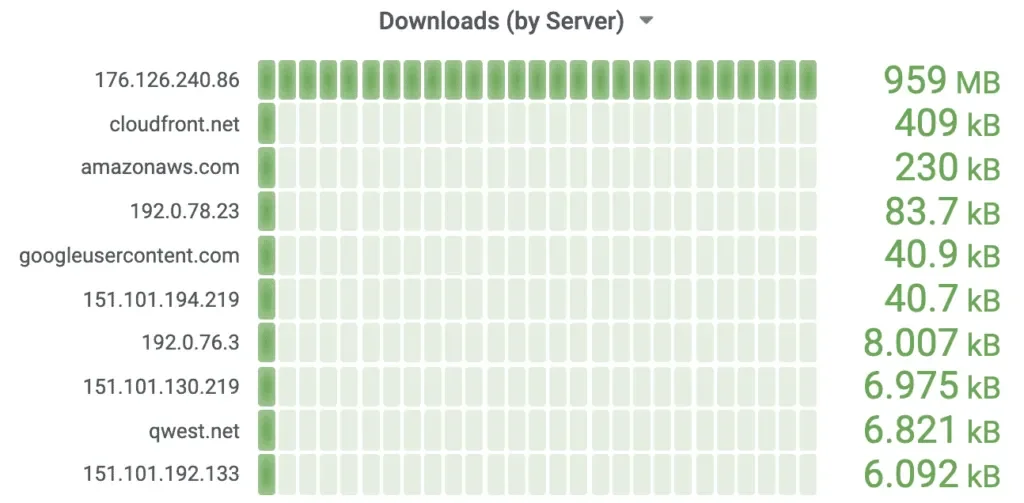
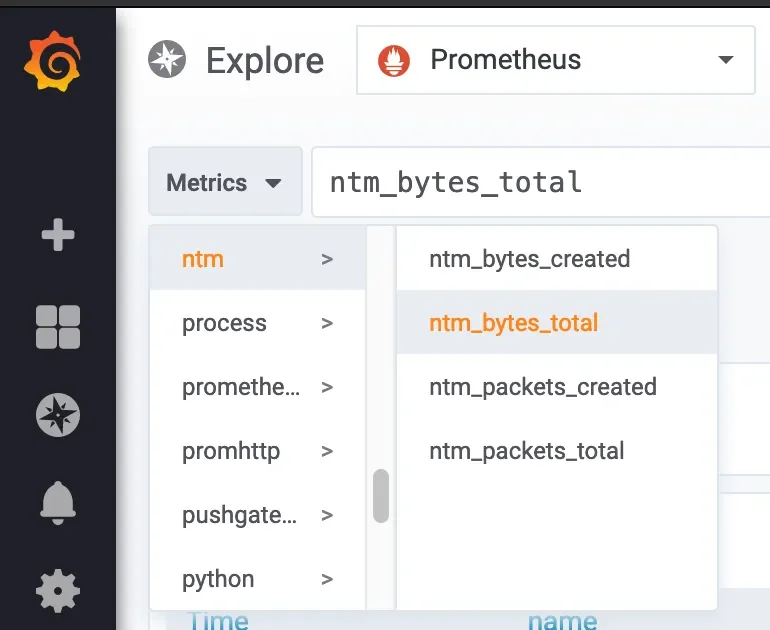
Ntop and Ntopng: These tools are frequently mentioned for their ability to track network usage, assess performance, and examine network health. They are particularly useful for understanding how bandwidth is being consumed across devices.
Wireshark and tcpdump: For more granular analysis, tools like Wireshark and tcpdump can be employed. These allow for deep packet inspection, revealing the specifics of network communication.
Darkstat: This offers another avenue for monitoring network traffic, providing a web interface to visualize data.
Pi.Alert: This software can be repurposed to function as an intrusion detection system, alerting users to unauthorized devices on the network.
tcptrack: Described as a "magnifying glass" for network traffic, tcptrack helps in real-time observation and management.
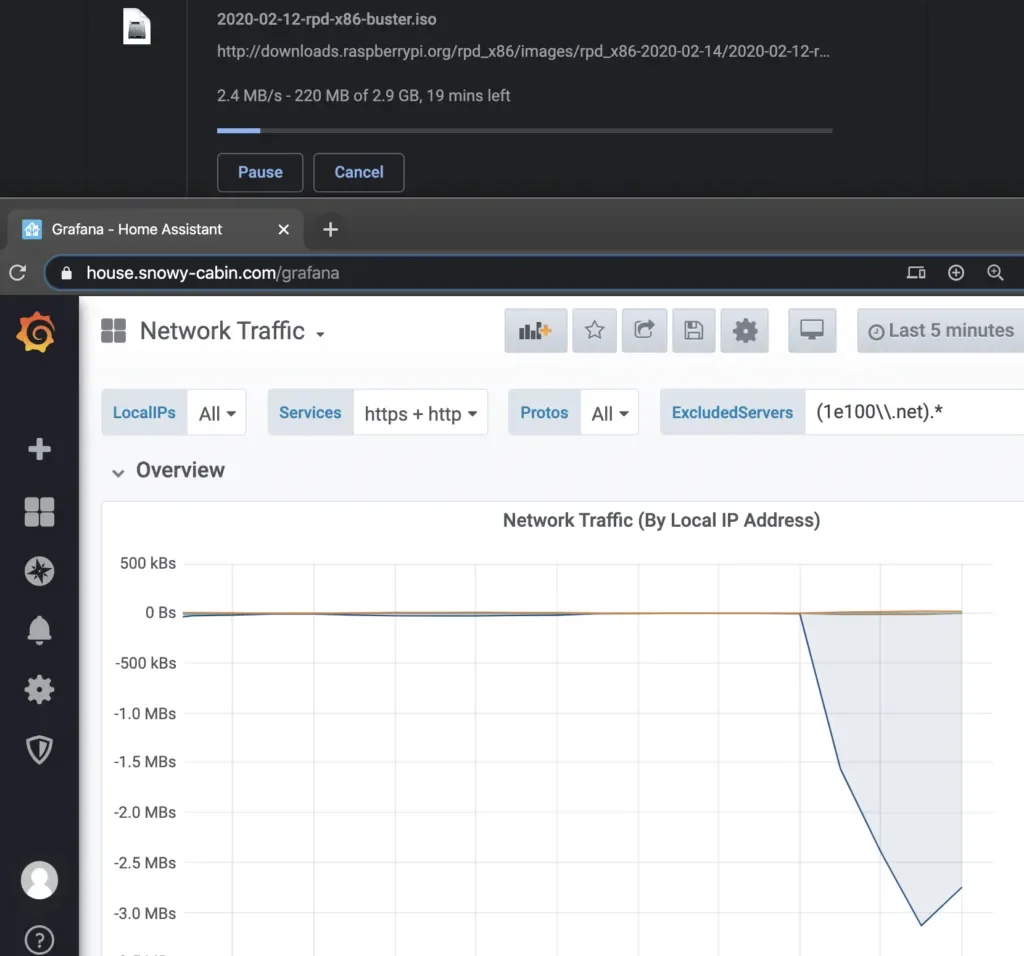
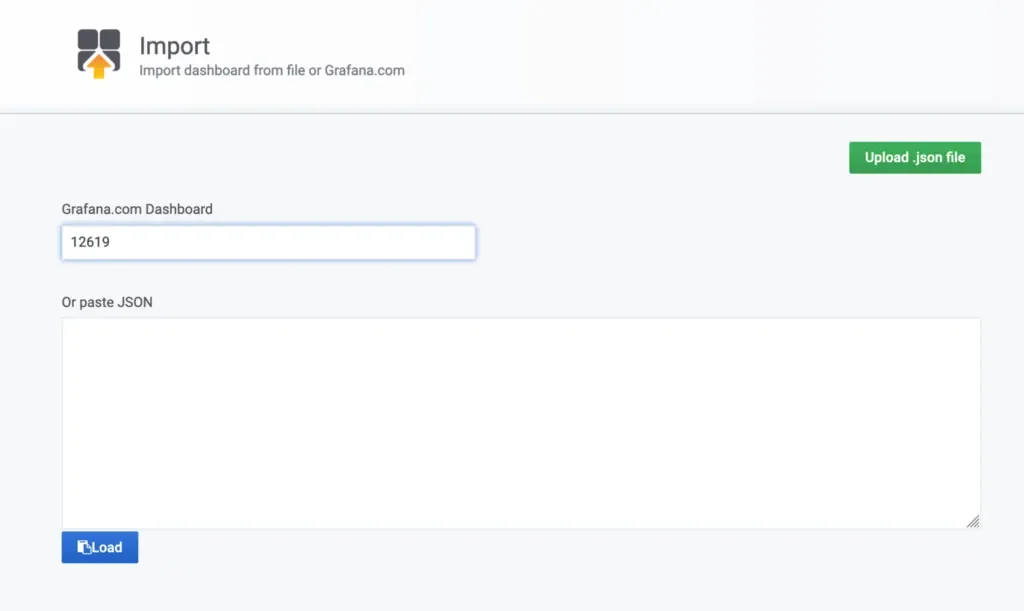
Prometheus and Grafana: For users aiming to build custom dashboards and visualize metrics over time, Prometheus for data collection and Grafana for presentation are recommended.
Addressing Network Security and Performance
Beyond simple traffic observation, a Raspberry Pi network monitor can enhance security and performance.
Intrusion Detection: By acting as an intrusion detection system, the Raspberry Pi can identify and alert users to suspicious activity or unauthorized devices attempting to connect to the network.
Firewall Configuration: Tools like
ufw(Uncomplicated Firewall) can be configured on the Raspberry Pi to bolster network security by blocking unwanted access.Performance Tracking: Monitoring bandwidth usage and identifying bottlenecks can help optimize network performance, ensuring smoother operation for all connected devices.
Data Visualization and Reporting
The value of network monitoring is amplified when data is presented in an easily digestible format.
Dashboards: Tools like Grafana allow for the creation of real-time dashboards, offering a visual overview of network traffic, bandwidth utilization, and device connections.
Alerts: Setting up alerts can notify users immediately of critical events, such as unauthorized access attempts or significant changes in network behavior.
Conclusion: A Capable Homegrown Solution
The collective information indicates that a Raspberry Pi is a well-suited platform for building a capable and affordable network monitoring system. Its flexibility allows for the implementation of various software tools, catering to different needs from basic traffic observation to advanced intrusion detection and performance analysis. While the setup may require some technical aptitude, the availability of comprehensive guides and open-source software makes this a practical undertaking for individuals seeking greater control and understanding of their home or small office networks. The ability to customize the monitoring setup, integrate with other self-hosted services, and gain detailed insights into network operations underscores the Raspberry Pi's value in this domain.
Read More: Home Devices Use Power When Off, Costing You Money
Sources
howtogeek.com: Offers an overview of using a Raspberry Pi for network monitoring, emphasizing its utility for self-hosted services and personalized network responses. https://www.howtogeek.com/how-i-use-my-raspberry-pi-to-keep-an-eye-on-my-network-traffic/
xda-developers.com: Provides a step-by-step guide, highlighting the Raspberry Pi as a low-cost alternative and detailing the use of Ntop for traffic analysis and Pi.Alert for intrusion detection. https://www.xda-developers.com/how-to-monitor-your-home-network-traffic-with-a-raspberry-pi/
thelinuxvault.net: Explains how to set up a Raspberry Pi as a network monitoring station using tools like tcpdump, Wireshark, and ntopng, recommending the Pi 4 for better performance. https://www.thelinuxvault.net/blog/how-to-use-raspberry-pi-to-monitor-network-traffic/
picockpit.com: Lists eight ways to monitor a network using a Raspberry Pi, focusing on enhancing control and security for home or business networks. https://picockpit.com/raspberry-pi/8-ways-to-monitor-your-network-with-raspberry-pi/
technicallywizardry.com: Details how to build a Raspberry Pi network monitor with a dashboard for traffic, including instructions for installing Prometheus and Grafana. https://www.technicallywizardry.com/raspberry-pi-network-monitor/
mechatronicslab.net: Outlines the steps for setting up a detailed network monitor on a Raspberry Pi, including security measures like firewall configuration. https://mechatronicslab.net/network-monitor-on-raspberry-pi/
sysadminsage.com: Presents methods for monitoring Raspberry Pi network traffic, introducing tools like tcptrack and emphasizing data visualization for efficient management. https://sysadminsage.com/raspberry-pi-monitor-network-traffic/
phoenixnap.com: Provides a guide on monitoring network traffic using both Ntop and Darkstat on a Raspberry Pi, with instructions for installation and accessing web interfaces. https://phoenixnap.com/kb/raspberry-pi-monitor-network-traffic
pidora.ca: Describes building a real-time network monitor dashboard with a Raspberry Pi, emphasizing scalability, maintainability, and tracking key metrics like bandwidth usage. https://pidora.ca/build-your-own-real-time-network-monitor-dashboard-with-raspberry-pi/