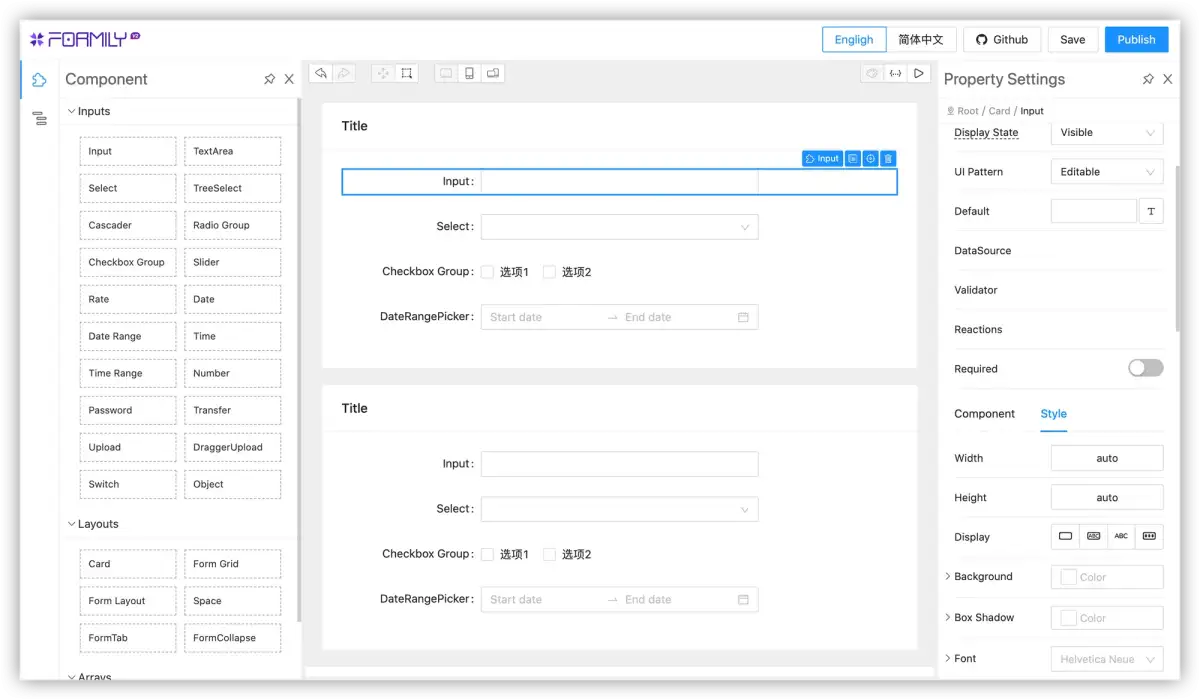
Online tools for creating surveys and forms are becoming more varied, offering users more choices beyond the widely used Google Forms. This report examines several alternatives that provide distinct features and capabilities, addressing various user needs from simple data collection to complex business applications.
Many individuals and organizations rely on online forms for gathering information, conducting surveys, and managing data. Google Forms has been a popular choice due to its ease of use and free accessibility. However, a growing number of alternatives are now available, each with its own strengths, aiming to fill gaps in functionality or offer specialized features. This exploration looks into how these other tools compare and what they offer users seeking different approaches to form building and data management.
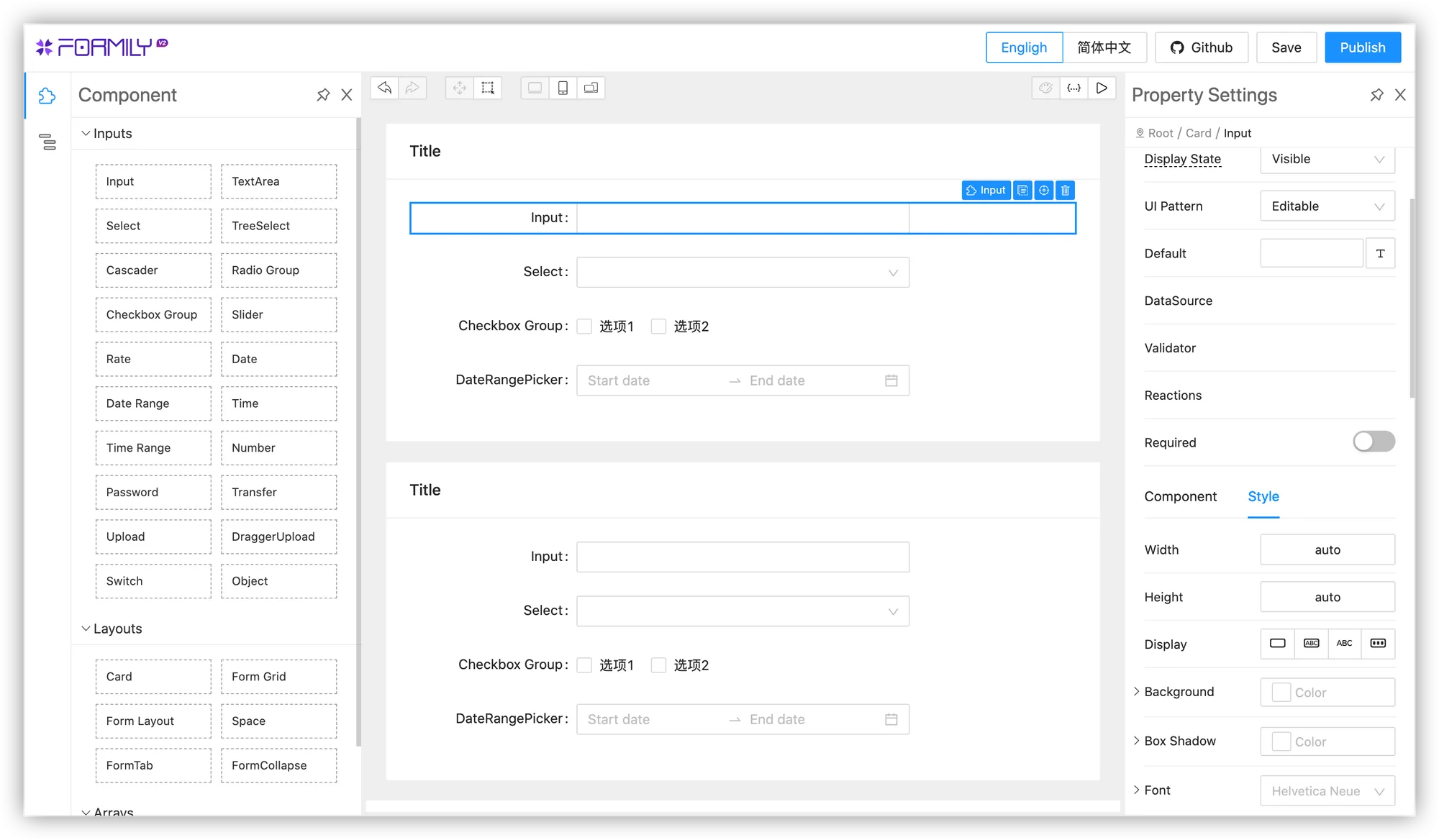
Key Players in the Form Builder Market
The landscape of online form builders includes a range of options, from those focused on simplicity to more robust platforms designed for business use. Several names appear consistently when discussing alternatives to Google Forms, each noted for specific benefits.
Read More: NVIDIA GTC 2026: Physical AI Moves Robots From Labs to Real World
Zoho Forms is frequently highlighted as a secure and business-oriented solution. It is described as HIPAA compliant, offering customizable mobile forms for data collection and security features. It is presented as a more comprehensive tool for detailed forms and approval processes.
Cognito Forms is recognized for its advanced calculation and logic capabilities, making it suitable for complex forms. However, it may not be the ideal choice for users seeking only basic customization or advanced mobile survey options.
Typeform is noted for its conversational approach to form building, aiming for a more engaging user experience.
Jotform is mentioned for its integration capabilities, particularly for payment processing, and for offering templates to start from.
Fluent Forms, Formidable Forms, and Ninja Forms are WordPress plugins that provide users with more control over their forms and data. Formidable Forms, in particular, is praised for building interactive, data-driven tools.
HubSpot Forms is a component of the HubSpot CRM, offering integration within that ecosystem.
Microsoft Forms is positioned for users already within the Microsoft 365 environment.
Tally is mentioned for its versatility, including its use for pop-up forms.
Zapier Forms is highlighted in the context of AI orchestration.
Evaluating Form Building Features
The available alternatives offer a spectrum of features, from basic data input to sophisticated conditional logic and design customization. Understanding these differences is key for selecting the right tool.
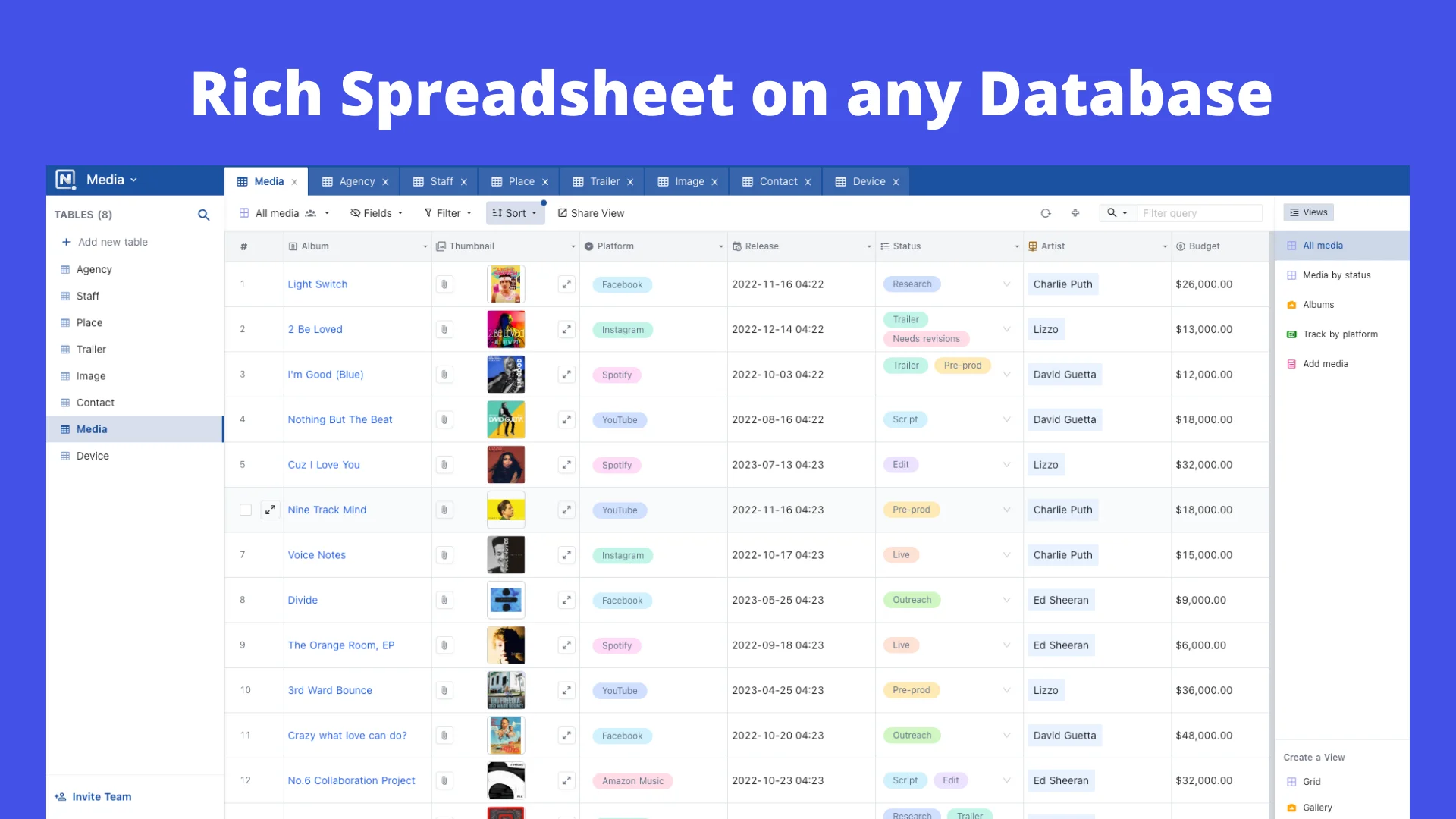
Data Import and Export: Many platforms allow forms and data to be imported and exported, often in formats like JSON, XLS, or CSV. This capability is important for users who need to transfer their data or forms between systems.
Form Automation and Scheduling: Features like auto-enabling or disabling forms based on specific dates are available, providing more control over when forms are active.
Design and Customization: While Google Forms offers certain advanced formats for free, alternatives like Cognito Forms and Typeform are noted for their customization options, with some users finding Google Forms less ideal for advanced design needs.
Specialized Capabilities: Some tools excel in specific areas. Jotform is noted for payment integrations, while Cognito Forms is lauded for calculation-heavy forms. Typeform focuses on a conversational user interface.
Security and Compliance Considerations
For users handling sensitive information, security and compliance are paramount. Several alternatives emphasize their security measures.
Zoho Forms is highlighted as a secure option, explicitly stating its HIPAA compliance and offering secure data collection through customizable mobile forms. The security of online forms is presented as a key advantage over traditional paper methods.
The general need for secure online forms arises as a reason for considering alternatives, suggesting that while Google Forms is widely used, users may seek enhanced security protocols or compliance certifications for specific data collection needs.
Expert and User Perspectives
Reviews and comparisons of these form builders offer insights into their practical applications and user experiences.

"Compared to Google Forms, Zoho Forms feels like a proper business tool."
- Fluent Forms article
"Cognito Forms has always impressed me with its logic-heavy forms."
- Fluent Forms article
"The tool is ideal for you if you are looking for a simple survey tool with not many customization options, but if you want to create better surveys with advanced customization options, then this tool might not be ideal for you."
- Surveysensum article on Cognito Forms
These statements suggest that while Google Forms is a strong baseline, specific needs—whether for robust business features, complex logic, or advanced design—drive the exploration and adoption of alternative platforms.
Conclusion: A Diverse Field of Form Builders
The market for online form builders has expanded significantly, providing users with a wealth of options that extend beyond Google Forms. These alternatives offer specialized features such as advanced logic, enhanced security and compliance (like HIPAA), business-oriented functionalities, and integration capabilities with other platforms like CRMs.
Read More: Goldman Sachs Analyst Leaves Job to Grow Baking Business Alleycat in Utah
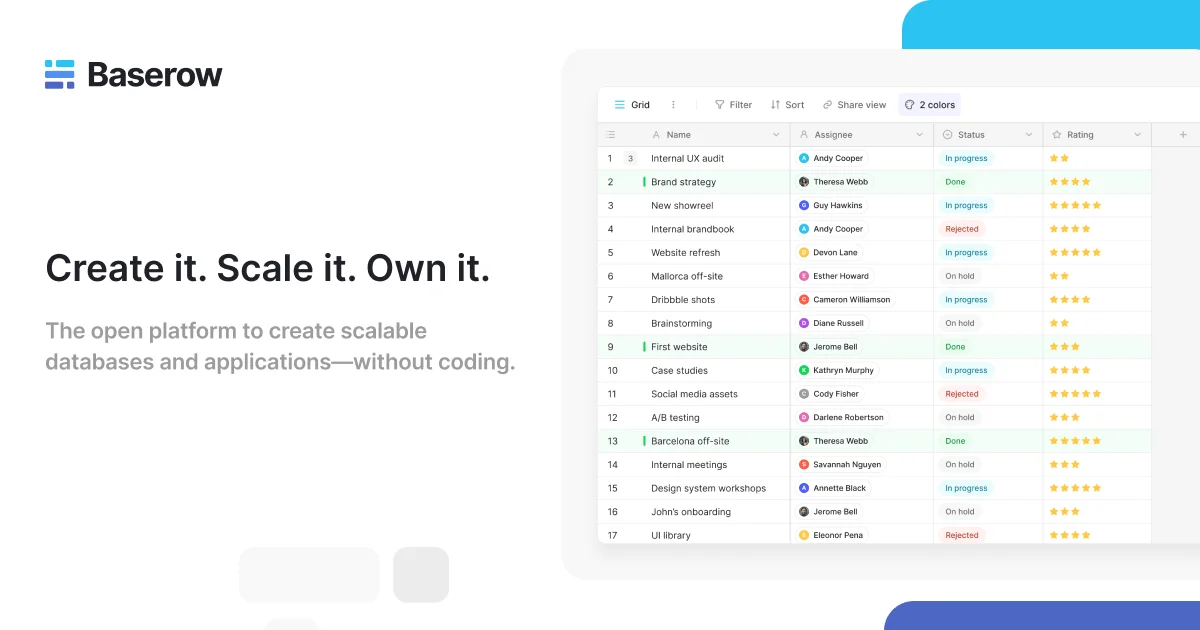
Users are presented with choices catering to various requirements:
For business-grade functionality and security: Zoho Forms stands out.
For complex calculations and logic: Cognito Forms is a notable contender.
For conversational user experiences: Typeform is frequently cited.
For WordPress users seeking control: Fluent Forms, Formidable Forms, and Ninja Forms are available.
The existence of these varied tools indicates a growing demand for more specialized and controlled environments for data collection. The choice of platform ultimately depends on the specific needs of the user, ranging from simple survey deployment to managing sensitive data within strict compliance frameworks.
Sources
medevel.com: "12 Open-Source Self-hosted Solutions to Replace Google Forms for Free" - Offers a list of alternatives, focusing on form creation, import/export, and automation features. https://medevel.com/google-form-alternatives-1284/
zapier.com: "The 6 best Google Forms alternatives in 2026" - Lists top alternatives like Airtable Forms, Notion Forms, and Zoho Forms, highlighting their best use cases. https://zapier.com/blog/google-forms-alternatives/
fluentforms.com: "12 Best Google Forms Alternatives in 2026" - Compares various tools including Zoho Forms, HubSpot Forms, and Cognito Forms, with a preference for Formidable Forms for interactive tools. https://fluentforms.com/google-forms-alternatives/
surveysensum.com: "13 Best Google Forms Alternatives in 2026" - Discusses Cognito Forms as a survey tool, noting its limitations for advanced customization. https://www.surveysensum.com/blog/google-form-alternatives
clickup.com: "15 Best Google Forms Alternatives for 2026" - Features Cognito Forms for calculation-heavy forms, Typeform for conversational forms, Ninja Forms for developers, and Jotform for payment integration. https://clickup.com/blog/google-forms-alternative/
zoho.com: "Secure online forms | Free secure form builder | Zoho Forms" - Details the security features of Zoho Forms, emphasizing its HIPAA compliance and secure data collection capabilities. https://www.zoho.com/forms/secure-forms.html
involve.me: "10 Best Google Forms Alternatives in 2026 (Free & Paid)" - Presents Cognito Forms for advanced logic and Zoho Forms for detailed forms and approvals, and mentions alternatives with better design and logic-based workflows. https://www.involve.me/blog/best-google-forms-alternatives