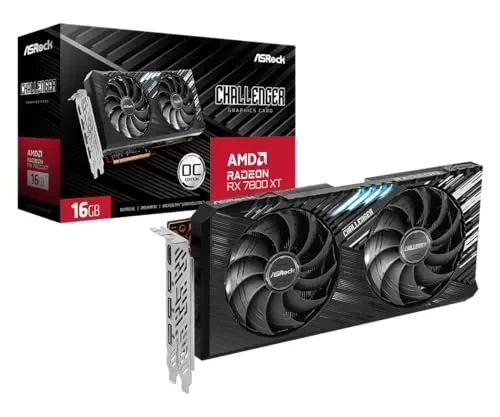
As of 04/07/2026, the process of swapping graphics hardware between NVIDIA and AMD architectures remains a strictly manual software-configuration task. Despite consumer interest in "3-minute" migration guides, effective transition requires the removal of legacy firmware instruction sets to avoid OS-level conflicts.
Core Insight: Successful migration depends on the complete excision of previous driver packages prior to hardware installation to prevent hardware ID mismatches and OS kernel stability issues.
Required Migration Protocol
| Step | Action | Critical Requirement |
|---|---|---|
| 1 | Driver Deinstallation | Remove existing vendor software (e.g., GeForce Experience / Adrenalin). |
| 2 | Power Evaluation | Verify PSU Wattage limits; AMD and NVIDIA architectures differ in transient power draw. |
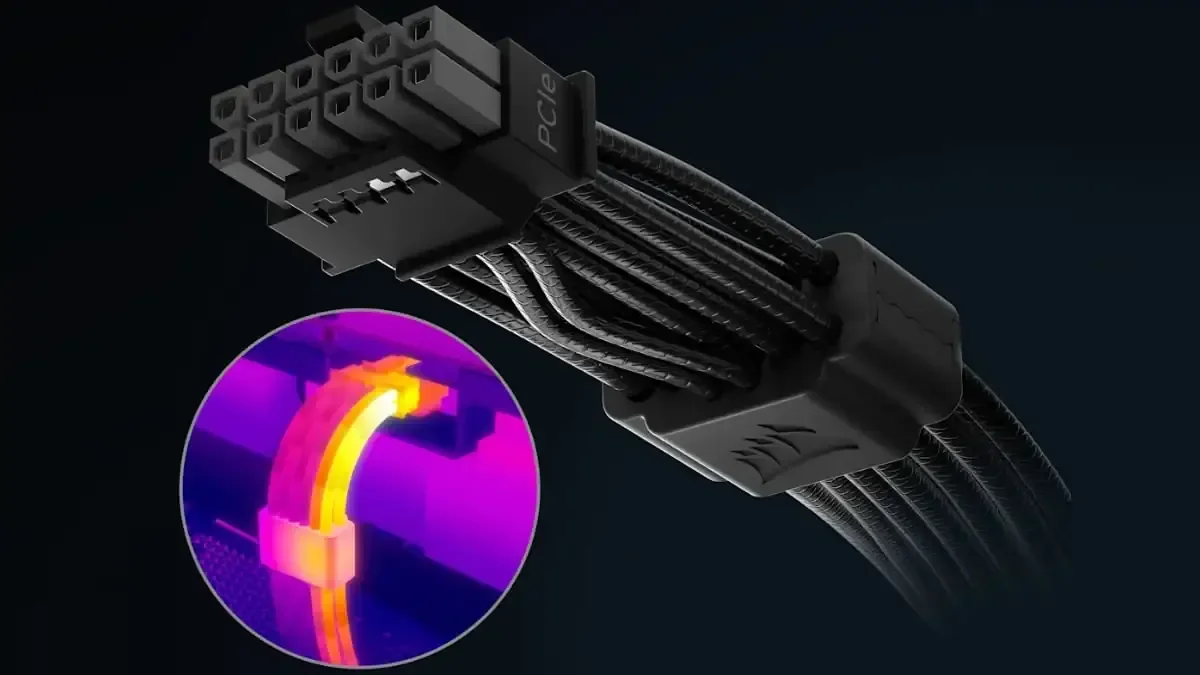
| 3 | Hardware Swap | Physical replacement; ensure correct PCIe power cabling configuration. |
| 4 | Software Provisioning | Install manufacturer-specific drivers to translate hardware instructions for the OS. |
Driver Management: The instruction manual for the operating system—commonly identified as the driver—must be updated. Maintaining legacy drivers while introducing new hardware frequently triggers system-level errors or failure to initialize.
Power Constraints: Hardware power configurations are not interchangeable. Users switching brands must verify their Power Supply Units meet the specific load requirements of the incoming GPU.
Display Output: Connection points must be physically moved from the old hardware to the new IO ports to establish signal handshake.
The Myth of Simplification
Market messaging suggests a seamless, rapid swap, yet professional guidance from sources like SysAdminSage emphasizes that "not performing open-heart surgery" does not equate to "zero-risk." Failure to follow standardized installation sequences leads to common diagnostic failures where the OS recognizes the hardware but refuses to initialize the display driver due to residual, conflicting data remnants.
Historical Context of Driver Conflicts
The architecture of consumer GPUs necessitates distinct software environments. Historically, mixing NVIDIA and AMD driver frameworks in a single environment results in software bloat or driver collisions. Since at least 2023, forums such as Linus Tech Tips have documented that the "proper" method for changing hardware involves deep cleaning of registry files and driver libraries. Modern guidance in 2026 remains tethered to this reality: software must be purged before hardware is replaced, as the system firmware requires a clean slate to correctly interpret new silicon instructions.
Read More: Chrome mimeHandler API lets extensions handle file types