


Decoding the Signals: When Do HDMI Cables and Ports Truly Matter?
The choice of an HDMI cable and the specific port used on a television can influence the quality of audio and video signals, particularly with modern devices and high-resolution content. While a basic connection may function with various cables, achieving optimal performance for tasks like gaming or viewing 4K content often depends on using cables and ports that support the latest HDMI standards. Understanding the differences between HDMI versions and their labeled capabilities is essential for users seeking to maximize their entertainment system's potential.
The Landscape of HDMI Connections
HDMI (High-Definition Multimedia Interface) is the standard for transmitting high-definition digital audio and video signals between devices like TVs, computers, gaming consoles, and Blu-ray players. Over time, the HDMI standard has evolved through several versions, each offering improved capabilities:
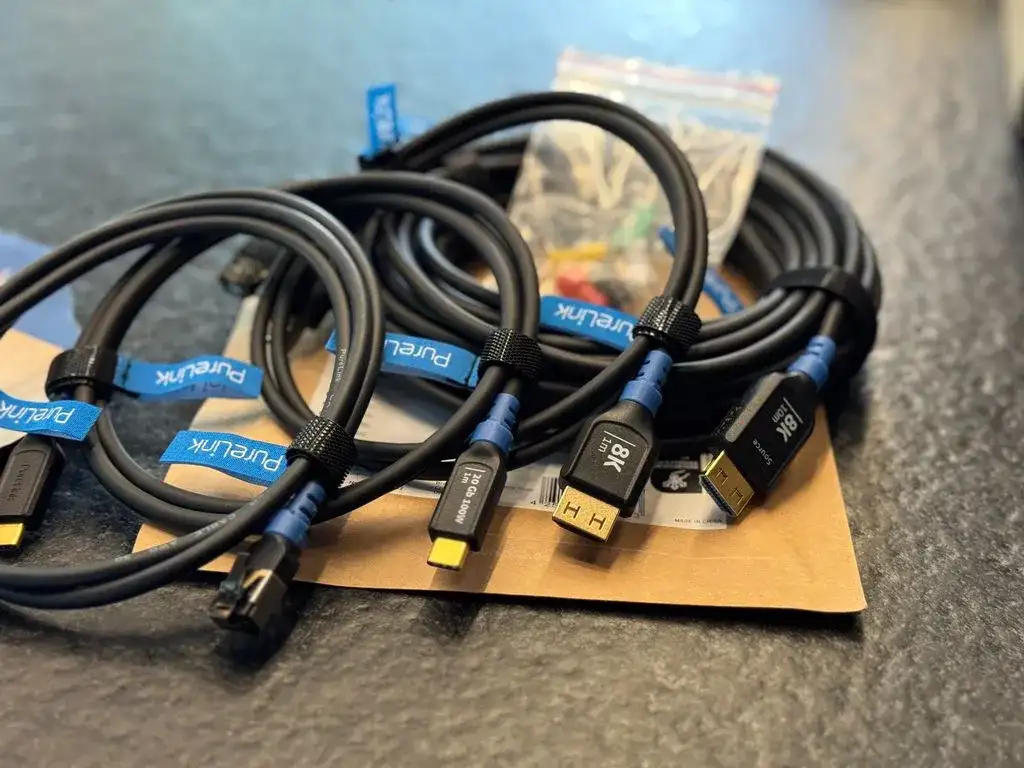
HDMI 1.4: An older standard that supports up to 4K resolution at 30Hz.
HDMI 2.0: Offers support for 4K resolution at 60Hz, and increased bandwidth.
HDMI 2.1: The latest standard, capable of supporting higher resolutions and refresh rates (e.g., 4K at 120Hz, 8K at 60Hz) and features like Variable Refresh Rate (VRR) and Auto Low Latency Mode (ALLM), which are beneficial for gaming.
Similarly, HDMI ports on televisions are often designated with specific versions, and some may have special functions:
Read More: Chrome mimeHandler API lets extensions handle file types
Standard HDMI Ports: These typically support HDMI 1.4 or 2.0.
HDMI 2.1 Ports: Designed for the latest standards, often labeled with capabilities like "4K/144Hz".
ARC/eARC Ports: Audio Return Channel (ARC) and Enhanced Audio Return Channel (eARC) allow audio to be sent from the TV to a soundbar or receiver using the same HDMI cable. eARC supports higher bandwidth audio formats.
Evidence: What the Sources Indicate
Information gathered from various sources suggests that the type of HDMI cable and the specific port utilized can indeed affect performance, especially for demanding applications.
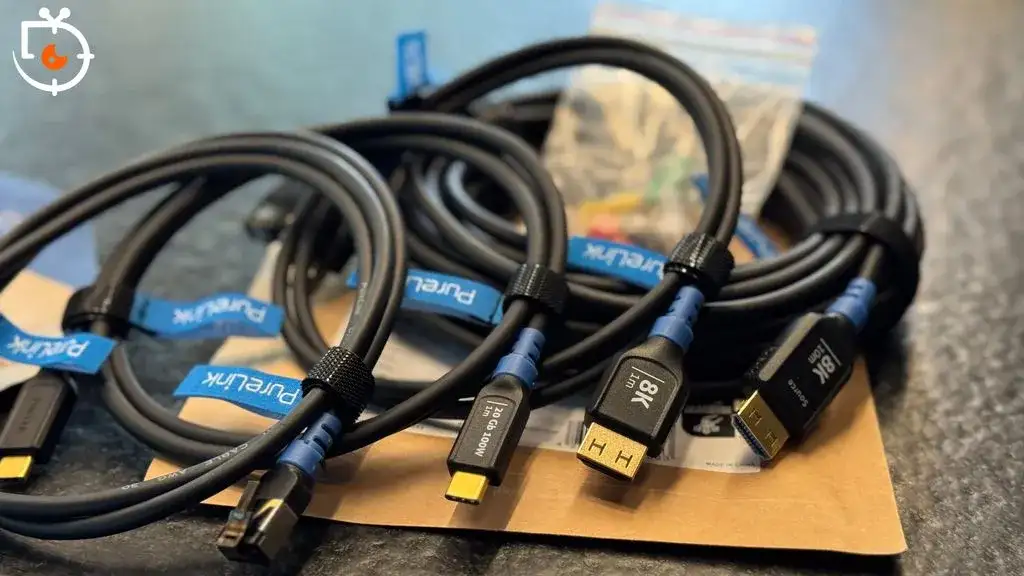
Cable Standards: Cables are often categorized by their support for HDMI versions.
Standard HDMI Cables (Category 1) are designed for earlier HDMI versions (1.0 to 1.2a).
High-Speed HDMI Cables (Category 2) are built for HDMI versions 1.3 and later, supporting 4K resolution at 30Hz.
Premium High-Speed HDMI Cables are designed for HDMI 2.0 and 2.1 standards.
Ultra High-Speed HDMI Cables represent the latest standard.
Port Usage Recommendations: Different ports on a TV are sometimes recommended for specific devices:
HDMI 1: Suggested for streaming sticks or Blu-ray players.
HDMI 2 (often HDMI 2.1): Recommended for gaming consoles.
HDMI 3 (often HDMI 2.1 or ARC/eARC): Suitable for soundbars or secondary devices/PCs.
Device Compatibility: The capabilities of the connected devices play a role. If a device only supports an older HDMI version, there may be no need for a newer, more advanced cable. For instance, a device limited to HDMI 1.4 specifications will not benefit from an HDMI 2.1 cable.
Performance Limitations: Using older or incompatible cables and ports can limit performance. For example, connecting a modern gaming console to an HDMI 2.0 port might restrict output to 4K at 60Hz, whereas an HDMI 2.1 port could enable higher refresh rates like 120Hz.
Factors Influencing HDMI Cable Performance
The effectiveness of an HDMI cable can be influenced by several characteristics:
Cable Quality and Build
The construction and materials used in an HDMI cable can impact its ability to reliably transmit high-bandwidth signals.

Expensive vs. Cheap Cables: While expensive HDMI cables do not automatically guarantee better quality, certain features may indicate superior performance. Some sources question whether expensive HDMI cables provide a noticeable difference in picture quality compared to high-quality, appropriately rated standard cables.
Build Quality: The physical build quality, including the shielding and connector integrity, can be factors in preventing signal degradation.
Cable Length
The physical length of an HDMI cable can affect its performance, particularly with longer runs.
Signal Integrity: Longer cables may be more susceptible to signal loss or interference, which could negatively impact audio and video quality. Determining the ideal HDMI cable length for a specific setup is crucial.
Standard vs. Extended Lengths: For shorter distances, standard-length cables are often sufficient. However, for longer setups, specific types of cables, like active optical HDMI cables, might be necessary to maintain signal integrity.
Version Compatibility
The primary differentiator for cable performance is its compliance with specific HDMI standards.

Matching Standards: Using a cable compliant with the HDMI standard required by the connected devices is key. For example, a set-top box to TV connection might benefit from an HDMI 2.0 or 2.1 compliant cable.
Resolution and Refresh Rate Support: To support specific resolutions and refresh rates, such as 4K at 30Hz, a High-Speed HDMI cable is generally required. For higher demands like 4K at 144Hz or 8K, an Ultra High-Speed HDMI cable, compliant with HDMI 2.1, is necessary.
Navigating HDMI Port Assignments
The specific HDMI port used on a television can be important, especially on models with a mix of different HDMI versions or special features like eARC.
Designated Port Functions
Manufacturers sometimes assign specific functions or capabilities to individual HDMI ports.
Gaming Consoles: Ports labeled as HDMI 2.1 are typically recommended for high-performance gaming consoles like the PS5 or Xbox Series X, as they support features essential for smooth gameplay at high resolutions and frame rates.
Audio Devices: Ports designated with ARC or eARC are critical for connecting soundbars or AV receivers, enabling the TV to send audio back to the sound system.
Port Version Differences
The distinction between HDMI 2.0 and HDMI 2.1 ports is significant in terms of their data carrying capacity and feature support.
Read More: Ginger Snaps 4K Blu-ray release May 19, 2026 with bonus features
Bandwidth Capabilities: HDMI 2.1 ports offer substantially more bandwidth than HDMI 2.0 ports, allowing for higher video resolutions and faster refresh rates.
Feature Support: Features like Variable Refresh Rate (VRR), Auto Low Latency Mode (ALLM), and support for higher frame rates at 4K resolution are exclusive to HDMI 2.1.
Expert Insights
Experts in the field of audio-visual technology emphasize that while not all HDMI cables are created equal, the importance of using an expensive cable is often overstated. The critical factor is matching the cable's capabilities to the requirements of the connected devices.
"If your device only supports HDMI 1.4, there is no need to purchase an HDMI 2.1 cable." - Easy Tech Solver
"If your TV has only one HDMI 2.1 port, make that the one for your primary gaming device." - ZDNet
"Premium high-speed HDMI cables are designed for the latest HDMI 2.0 and 2.1 standards." - Anker
"When choosing an HDMI cable, it’s important to consider factors such as cable length, build quality, and compatibility with your devices." - BlinksAndButtons
Conclusion and Implications
The investigation into the significance of HDMI cables and ports reveals that their impact is contingent on the specific technology being used and the user's requirements.
Cable Relevance: For users employing devices that support older HDMI standards (like HDMI 1.4), a basic High-Speed HDMI cable is often sufficient, and there may be no discernible benefit from purchasing an expensive, ultra-high-speed cable. However, for devices and displays supporting HDMI 2.1, using an Ultra High-Speed HDMI cable certified for this standard is necessary to unlock features like 4K at 120Hz or 8K resolutions.
Port Allocation: The designation of specific HDMI ports on a television for particular functions (e.g., gaming, eARC) is a practical consideration. Utilizing an HDMI 2.1 port for a next-generation gaming console, for instance, is recommended to ensure optimal performance and access to advanced gaming features. Similarly, ensuring a soundbar is connected to an eARC-enabled port is crucial for high-quality audio transmission.
Factors to Consider: When selecting an HDMI cable, users should prioritize compatibility with their devices' HDMI version, the required bandwidth for their resolution and refresh rate needs, and to a lesser extent, the cable's length and build quality.
Future Outlook: As technology advances, the prevalence of HDMI 2.1 and higher standards will likely increase, making the selection of appropriate cables and ports more critical for users seeking to experience the full capabilities of their entertainment systems.
Primary Sources
Easy Tech Solver:
URL:
https://easytechsolver.com/does-it-matter-which-hdmi-cable-i-use/Published: Sep 2, 2025
Summary Context: Discusses when newer HDMI cables are unnecessary based on device capabilities.
ZDNet:
URL:
https://www.zdnet.com/home-and-office/home-entertainment/which-hdmi-port-to-use-on-your-tv/Published: Feb 15, 2026
Summary Context: Provides guidance on assigning specific devices to different HDMI ports on a TV, particularly highlighting HDMI 2.1 and ARC/eARC.
TechRadar:
URL:
https://www.techradar.com/televisions/what-hdmi-port-should-i-usePublished: Jan 27, 2026
Summary Context: Explains different HDMI port types (1.4, 2.0, 2.1) and their labeled capabilities (e.g., 4K/144Hz), recommending HDMI 2.1 for modern consoles.
Anker:
URL:
https://www.anker.com/blogs/hubs-and-docks/does-hdmi-cable-matterPublished: Not specified (Seen on Bing)
Summary Context: Categorizes HDMI cables by speed (Standard, High-Speed, Premium High-Speed) and their support for HDMI versions.
Choose:
URL:
https://www.choose.tv/us/articles/what-hdmi-cables-and-others-are-really-worth-buying-we-use-them-in-our-tests_AMNPublished: May 7, 2025
Summary Context: Offers advice on purchasing HDMI cables, including recommendations for connecting set-top boxes and computers, and suggests compliance with HDMI 2.0 or 2.1.
SmallUsefulTips:
URL:
https://smallusefultips.com/does-it-matter-which-hdmi-port-i-use/Published: Jun 22, 2025
Summary Context: Addresses the significance of using different HDMI ports and differentiates between HDMI 2.0 and 2.1.
BlinksAndButtons:
URL:
https://blinksandbuttons.net/does-it-matter-which-hdmi-cable-i-use/Published: Feb 15, 2025
Summary Context: Covers factors to consider when choosing an HDMI cable, including length, build quality, and compatibility, and questions the impact of inferior cables.
Robots.net:
URL:
https://robots.net/tech/does-it-matter-which-hdmi-cable-i-use/Published: Aug 18, 2023
Summary Context: Discusses whether expensive HDMI cables offer better quality and different types of HDMI cables available.
SoftHandTech:
URL:
https://softhandtech.com/does-a-better-hdmi-cable-make-a-difference/Published: Apr 25, 2025
Summary Context: Explores when HDMI cable quality matters and the factors influencing performance, questioning if better cables provide a noticeable difference in picture quality.
Easy Tech Solver:
URL:
https://easytechsolver.com/does-it-matter-what-type-of-hdmi-cable-i-use/Published: Mar 7, 2025
Summary Context: Discusses optical HDMI cables and whether higher-quality cables improve picture quality, as well as the requirements for 4K resolution.





