Dell's latest 14-inch XPS laptop arrives with a redesigned chassis and an exclusive reliance on Intel's integrated graphics, a move that sparks both praise and practical concerns among reviewers. The machine, positioned as a high-end ultraportable, showcases a refined aesthetic, but its usability, particularly regarding the keyboard, has drawn considerable scrutiny.
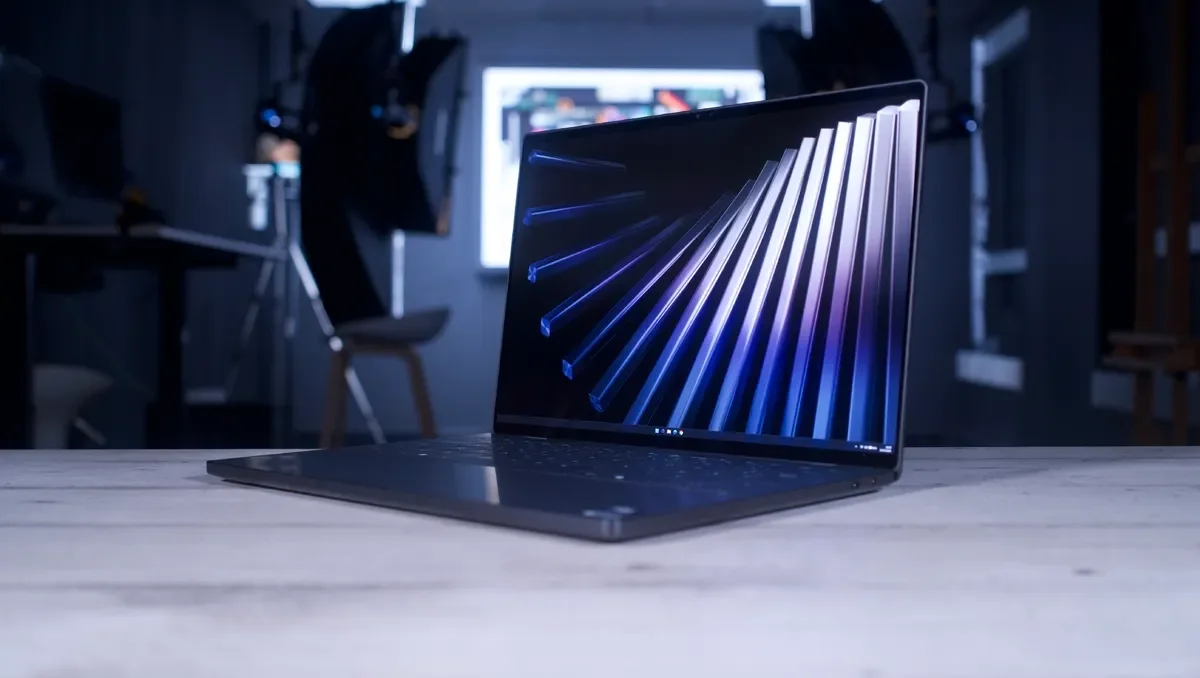
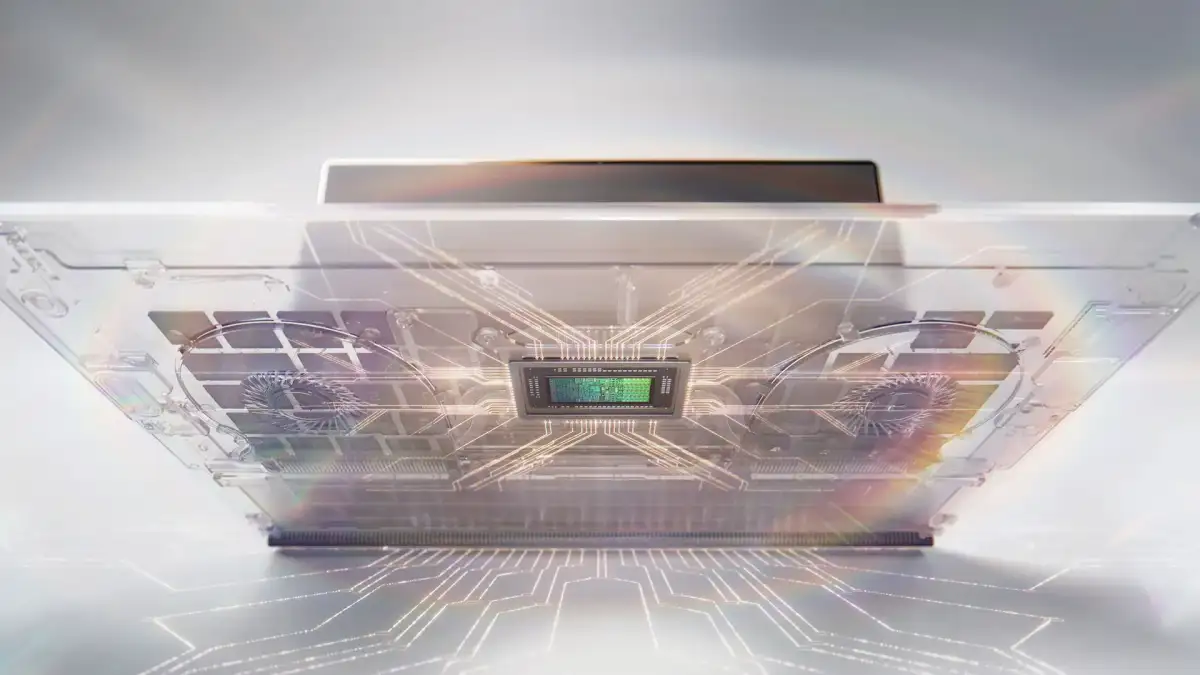
The device adopts Intel's new 'Panther Lake' architecture, notably forgoing discrete graphics options entirely. This singular focus on integrated graphics, powered by chips like the Intel Core Ultra 300, marks a significant shift, aiming to redefine the performance expectations for such systems.
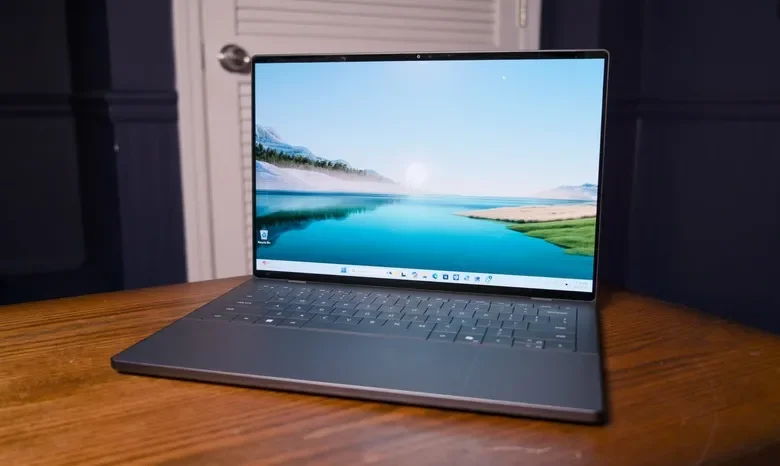
Design and Display: A Visual Evolution
The new XPS 14 presents a minimalist design, eschewing overt branding for a more subdued "XPS" logo on its aluminum casing. Reviewers note a mature and sophisticated look, with some describing the build as gorgeous and exceptionally well-crafted.
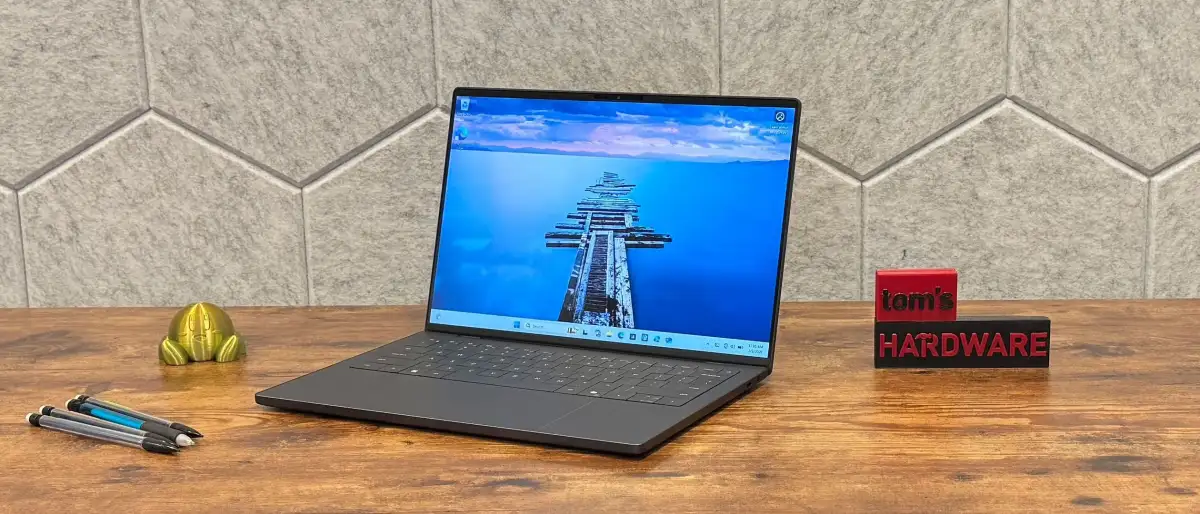
Screen: The laptop features a tactile, 14-inch OLED InfinityEdge display with a 2.8K resolution (2880 x 1800). It supports a 120Hz refresh rate, though the lack of a matte finish means glare can be an issue in certain lighting conditions.
Audio: A system of six speakers, delivering a total of 10W, is integrated, aiming to provide an above-average audio experience for a 14-inch portable.
Performance and Core Components
Performance expectations for this premium Windows ultrabook are generally met, with benchmark results showing an improvement over previous generations. The use of Intel's Core Ultra processors, including variants like the Ultra 7 355 and Ultra X7 358H, powers the device.
Read More: Chrome mimeHandler API lets extensions handle file types
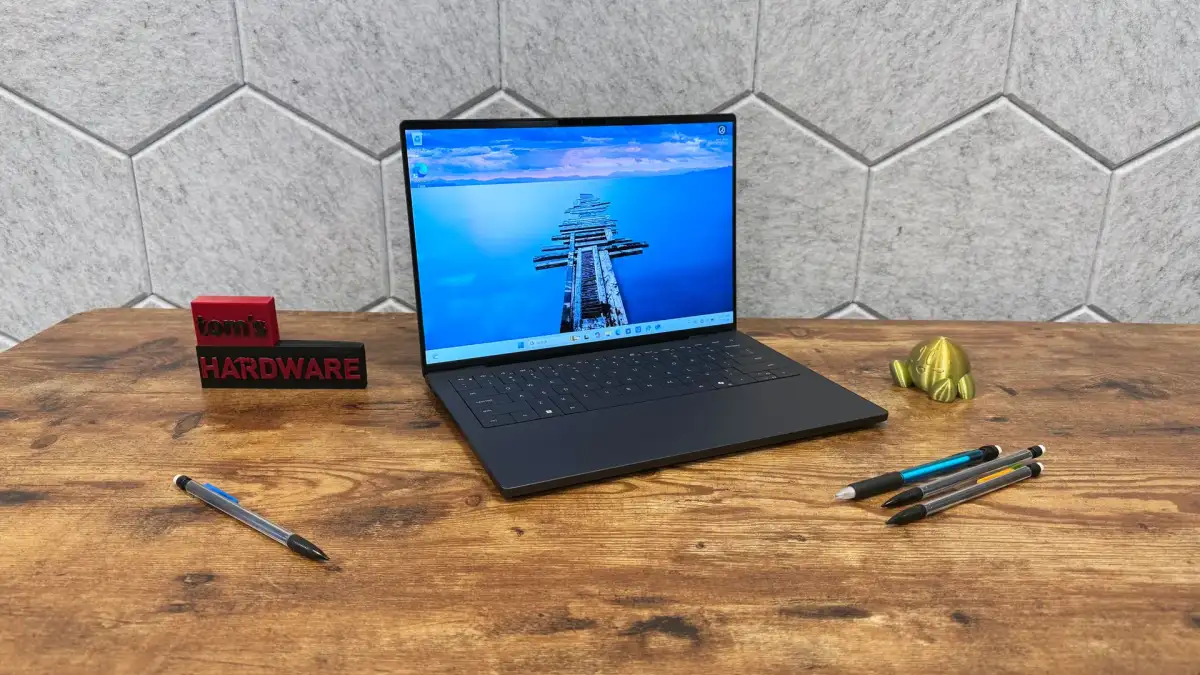
Graphics: The absence of dedicated graphics cards means the XPS 14 is not positioned for heavy gaming. The performance of Intel's integrated Arc Graphics becomes a central point of discussion regarding its capabilities.
Cooling: The chassis appears to manage heat effectively, with reports of it staying cool to the touch during operation, even under load.
Connectivity and Practicalities
Dell maintains a minimalist approach to ports, equipping the XPS 14 with three Thunderbolt 4/USB-C ports and a 3.5mm headphone jack. Notably, the device omits a microSD card slot, a feature some users may find inconvenient.
Battery Life: While some configurations offer long-lasting battery life, the high-end variants reportedly exhibit reduced endurance compared to their entry-level counterparts.
Power: The laptop ships with a 100W charger.
Usability and User Experience
Significant debate centers on the laptop's input devices. While the overall design is lauded, the keyboard and touchpad have received mixed reviews.
Keyboard: Descriptions range from "futuristic and neat" to "shallow, unresponsive, and hilariously error-prone." This input issue has been a notable detractor for some, impacting even experienced touch typists. A potential firmware fix has been mentioned.
Touchpad: The touchpad also faced some criticism for its input quirks.
Build and Hinge: The laptop successfully passes the one-finger open/close test, though it requires some practice.
Background: A Resurrected Legacy
The Dell XPS line has historically been associated with premium design and cutting-edge technology. The XPS 14 (DA14260) represents a deliberate effort to revive the brand's standing in the ultraportable market, seeking to reclaim its position as a formidable competitor, particularly against offerings like Apple's MacBook. The integration of Intel's latest mobile silicon and a revamped design language are key elements in this strategy.