Post-Update Phenomenon: Temporary Impact on iPhone Power Consumption
iPhone users are reporting a noticeable decrease in battery life following the installation of the recent iOS 26.5 update, a situation Apple acknowledges as a potentially temporary consequence of new features demanding more resources. The company has stated that some features within the update might require increased power, leading to what users perceive as "a small impact on performance and/or battery life." This effect, while unsettling, is described by Apple as normal and transient, expected to stabilize after a few days as the device adjusts to the new software.
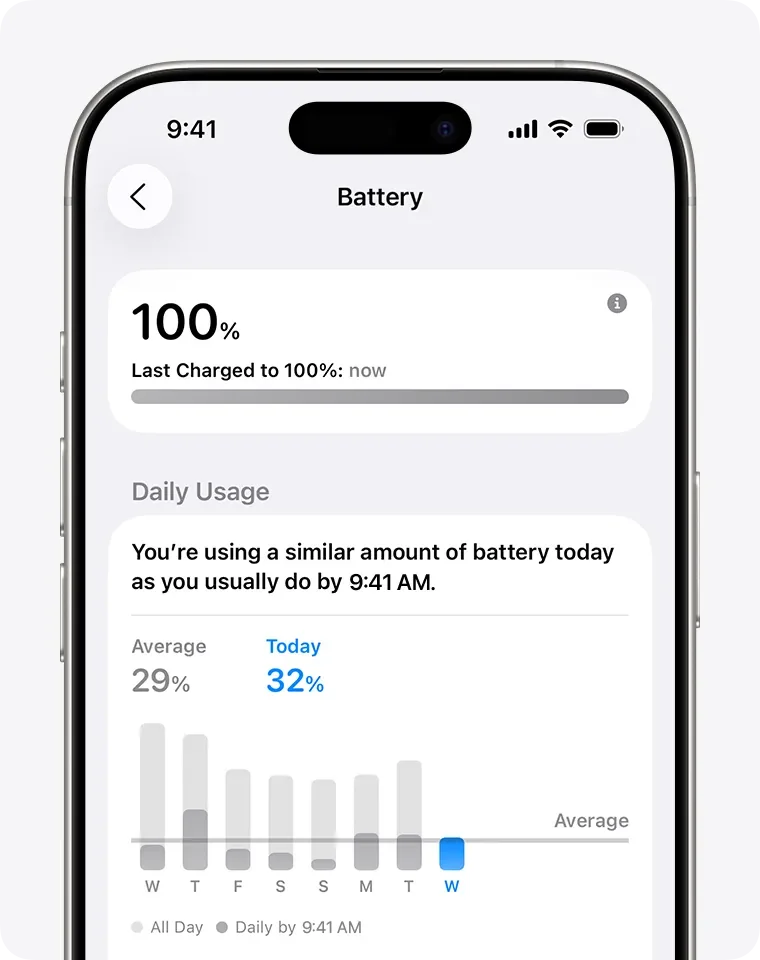
The update, released on May 11, introduced end-to-end encrypted RCS messaging and numerous bug fixes. However, the concurrent surge in battery drain complaints suggests a wider issue than isolated incidents. Reports indicate that increased usage of the iPhone after the update, possibly due to exploring new features, could also contribute to the perceived accelerated drain.
Read More: Chrome mimeHandler API lets extensions handle file types
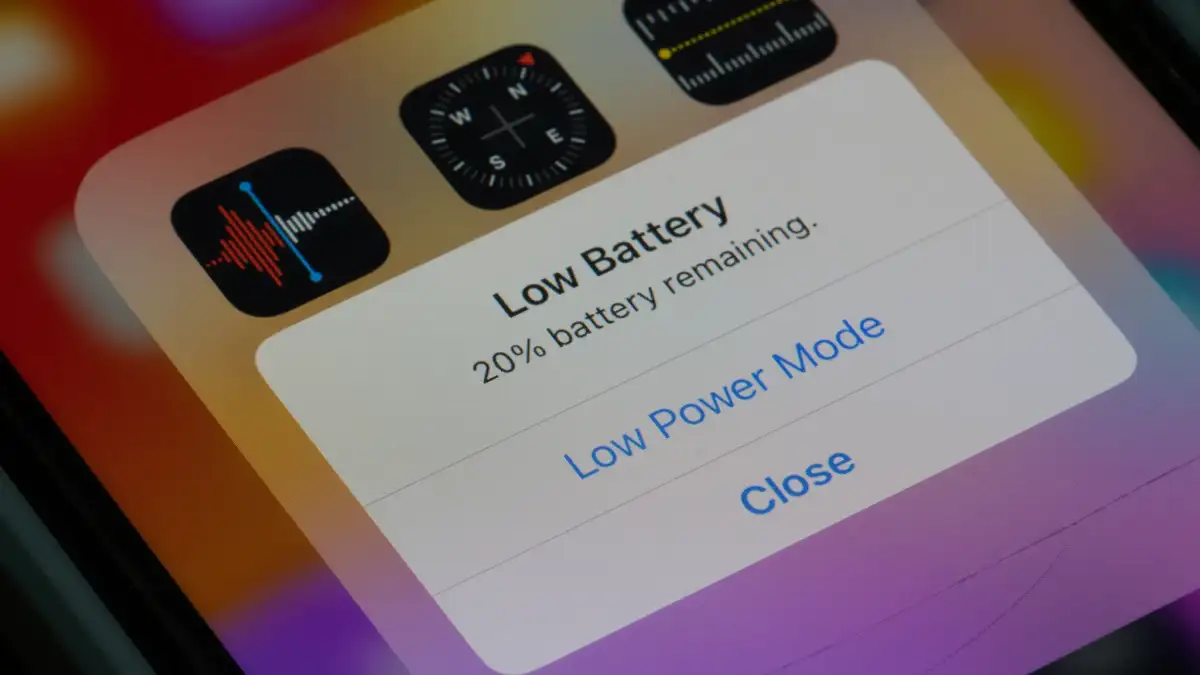
Investigating the Drain: User Strategies and Systemic Responses
While Apple characterizes the battery drain as a normal, temporary byproduct of system adjustments, users are actively seeking solutions and understanding. Several resources offer guidance, from system-level checks to practical adjustments.
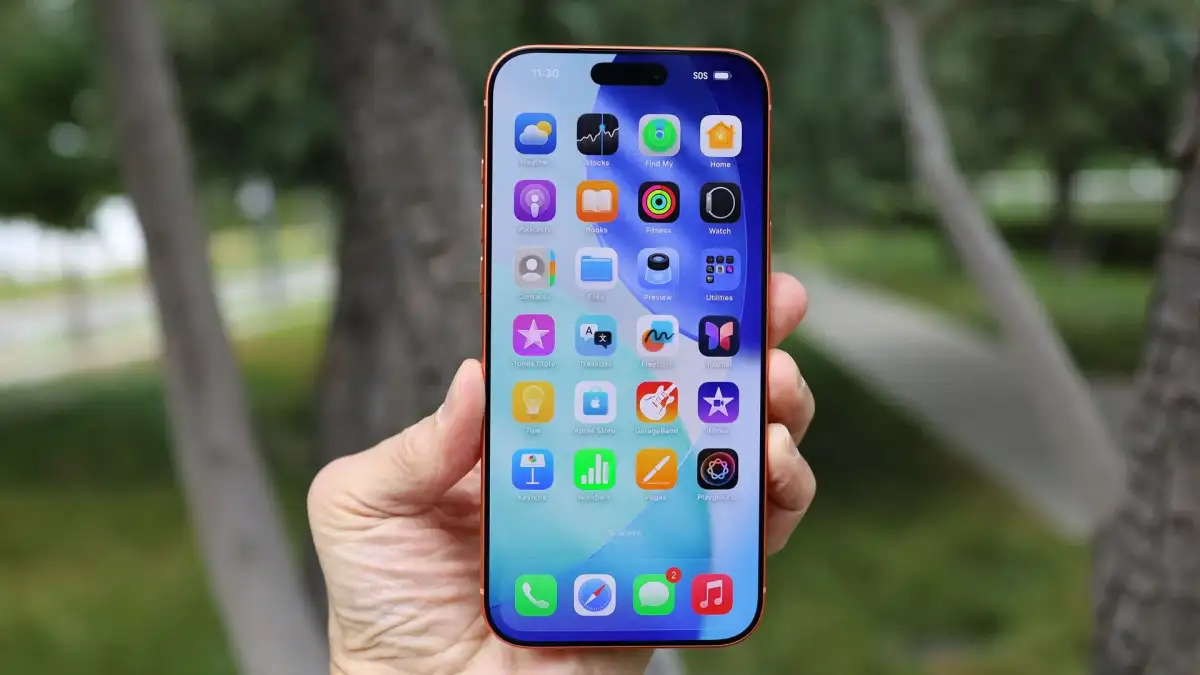
Monitoring Usage: Users are advised to check their Battery Usage within Settings to pinpoint applications consuming excessive power. Keeping both the operating system and individual apps updated is highlighted as crucial for maintaining efficiency and mitigating drain.
Configuration Tweaks: Specific settings are being re-examined. These include:
Static Wallpapers: Opting for static backgrounds over animated ones is recommended, as the latter necessitates continuous CPU and GPU activity, thereby consuming more battery.
Display Brightness: Adjusting screen brightness, including enabling auto-brightness, is a long-standing method to conserve power.
Background Activity: Reviewing and managing Background App Refresh settings is another area users are exploring to limit non-essential data fetching.
Power Modes: Features like Adaptive Power mode and Optimized Battery Charging, intended to manage power consumption, are being re-evaluated for their effectiveness post-update. Some reports also suggest switching to dark mode as a way to lessen battery strain.
Underlying Factors and Long-Term Considerations
The post-update battery drain phenomenon is not entirely novel. Major operating system updates have historically been associated with temporary battery performance dips, often attributed to background indexing, app re-optimization, and the initial resource demands of new functionalities. For some users, this effect may be exacerbated by the age of their device or the overall health of their battery.
Battery Health Check: Users can assess their battery's long-term viability by checking Battery Health & Charging in Settings, looking at the "Maximum Capacity."
Hardware Considerations: In cases where battery drain persists and appears linked to device age, a genuine Apple battery replacement is presented as a way to restore performance to "like-new" levels.
The ongoing discussion underscores the intricate relationship between software updates, hardware capabilities, and user expectations regarding device performance and longevity. While Apple offers reassurance of a temporary state, the multitude of user-reported experiences and proposed workarounds paints a complex picture of digital ecosystem dynamics.
Read More: New iOS Game 'Consume Me' Blends Puzzles and Music