Recent analyses reveal that even the most powerful graphics cards are often prevented from reaching their full potential by the central processing unit, or CPU. The CPU's role in preparing frames for the GPU to render means that at higher refresh rates and resolutions, the CPU's limitations directly dictate the achievable frame rate, irrespective of the GPU's power. This phenomenon suggests that substantial investments in cutting-edge GPUs may be yielding diminished returns for many users, as the core processing unit acts as an inadvertent gatekeeper.
The perception and measurement of CPU bottlenecks are undergoing revision, particularly with the advent of AI rendering technologies. Innovations such as DLSS frame generation can artificially inflate displayed frame rates, masking underlying CPU limitations that still impact the overall fluidity of the gaming experience. This has led to discrepancies between reported performance metrics and the tangible user experience, where input lag and stuttering can persist even with high average frame counts. Outdated benchmarking methodologies, which often assume a more direct relationship between CPU and GPU performance, may therefore be misrepresenting the current state of system bottlenecks.
Read More: Nscale secures $2 billion funding in 2025 to build new AI data centers with NVIDIA GPUs
The Uneasy Alliance of CPU and GPU
A fundamental dynamic in computer graphics is the symbiotic relationship between the CPU and the GPU. The CPU is responsible for tasks such as game logic, physics calculations, and preparing the draw calls that instruct the GPU on what to render. The GPU then takes over the computationally intensive task of rendering the visual elements. When the CPU cannot prepare frames quickly enough to keep the GPU fully utilized, a CPU bottleneck occurs, meaning the graphics card is left waiting for instructions, thereby limiting overall performance. Conversely, a powerful GPU struggling to render complex scenes efficiently can bottleneck the CPU, although this is often more apparent at lower resolutions.
Identifying a CPU bottleneck typically involves monitoring system performance. Signs include the CPU operating at or near its maximum capacity while the GPU's utilization remains significantly lower. This suggests the GPU is not receiving enough data or instructions to be fully engaged. While upgrading the CPU is the most direct solution, other strategies exist. Increasing the game's resolution can shift more processing load to the GPU, potentially mitigating the CPU's bottleneck effect. Furthermore, games that are more demanding on the graphics card, such as those at 4K resolution, tend to exhibit less pronounced CPU bottlenecks.
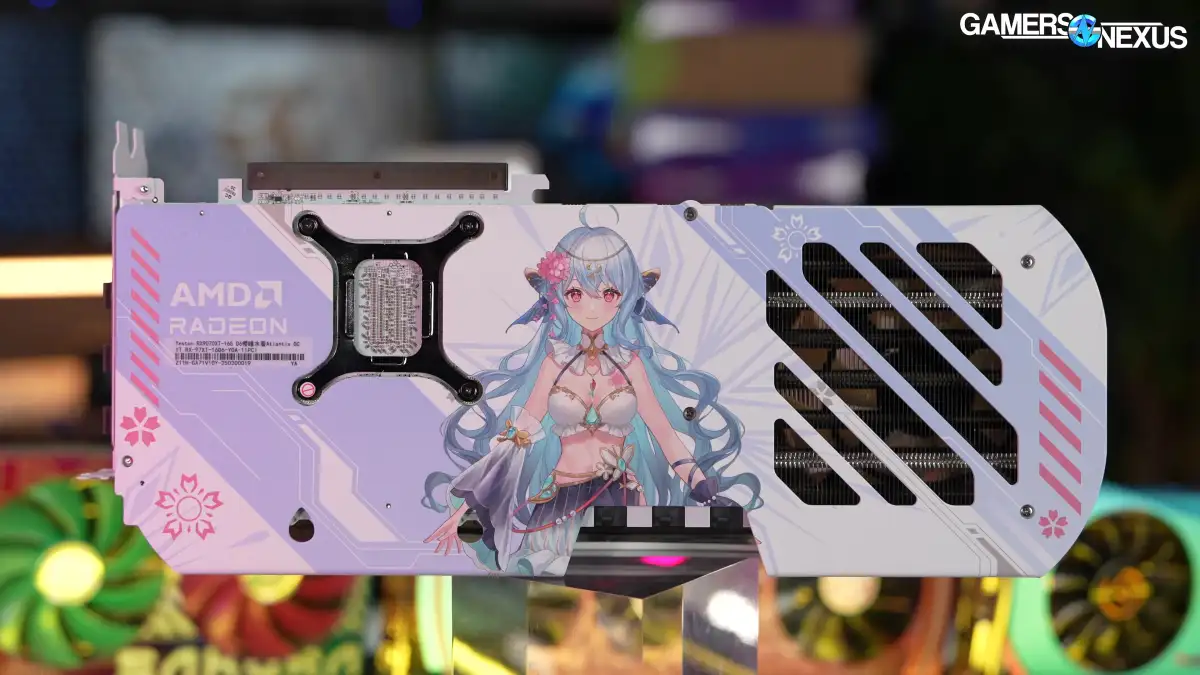
Read More: Yeston Sakura GPU Offers Slight Speed Boost for Gamers in March 2025
Re-evaluating Expectations and Investments
The notion that simply acquiring the latest flagship GPU guarantees maximum performance is being challenged. For users chasing higher frame rates, especially at resolutions like 1440p with high refresh rates, the CPU becomes a significantly more critical component than often acknowledged. Even with a capable CPU, its ability to keep pace with the demands of modern, fast-paced gaming is increasingly becoming the limiting factor. This situation implies that consumers might be overspending on GPUs that their existing or even upgraded CPUs cannot fully leverage.
Interestingly, some argue that the significance of CPU bottlenecks has been overstated within certain gaming communities. Minor CPU limitations may not always translate into a significantly degraded gaming experience. Benchmarks, especially those that pair top-tier GPUs with the fastest available CPUs, can sometimes create an exaggerated impression of CPU limitations for the average user. Factors such as loading times from slower storage devices, like traditional hard drives, can also be misattributed as CPU bottlenecks.
Read More: Axe Compute AGPU Stock Jumps 152% After $12 Million in New Contracts Announced
The Evolving Landscape of Performance
The introduction of AI-driven rendering technologies has added another layer of complexity. While these advancements can boost frame rates, they do not necessarily resolve the underlying issues of CPU limitations. The experience of fluidity is tied to the base frame rate and input responsiveness, not solely the inflated numbers generated by frame interpolation. Consequently, users may observe higher on-screen frame counts without a corresponding improvement in the perceived responsiveness or smoothness of gameplay, particularly in scenarios where the CPU struggles to maintain consistent frame pacing.
Ultimately, the interplay between CPU and GPU performance is nuanced. A CPU bottleneck does not inherently cause physical damage to the GPU, but it certainly hinders its operational capacity. The need for a balanced system, where both components are adequately matched, remains paramount. Users considering hardware upgrades should critically assess their current system's performance profile, looking beyond simple component specifications to understand the dynamic limitations imposed by their CPU on their GPU's capabilities.
Read More: Raccoin Game Sells 100K Units on Steam in First Day, Players Report Issues