The new Dell XPS 14 (2026) arrives with a starkly redesigned, aluminum chassis and a commitment to Intel's new 'Panther Lake' architecture, featuring the Core Ultra X7 358H chip. This integrated graphics approach, shedding discrete GPU options, promises significant graphical enhancements over previous generations. Yet, beneath the polished exterior, a persistent friction arises from design choices that appear to prioritize form over function, most notably impacting the typing experience.
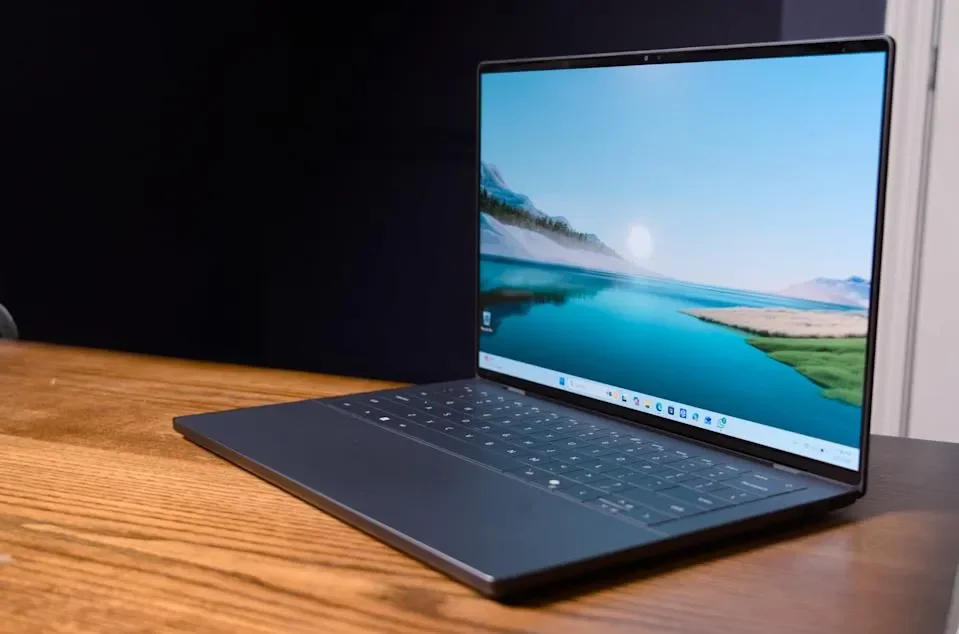
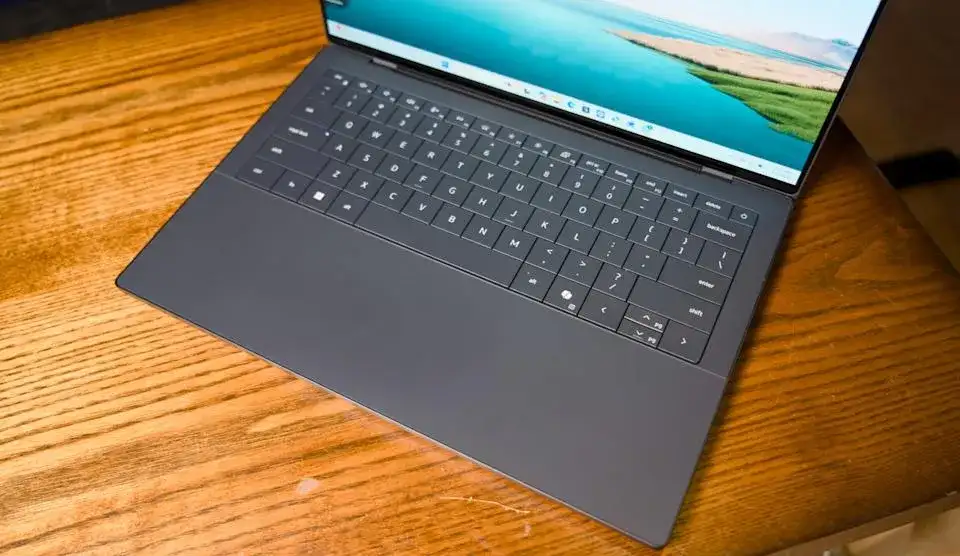
The machine's aesthetic is lauded, described as gorgeous and minimalist, a continuation of Dell's "design-forward" trajectory. However, this same aesthetic appears to have compromised usability. The keyboard, in particular, has drawn criticism for dampening touch typing and, in some accounts, exhibiting input issues. This concern is echoed by an IT professional who noted typing difficulties on the device.
The shift to Intel's integrated graphics is presented as a forward-looking move, with one analysis suggesting it signals "the future" of personal computing. Performance benchmarks, while detailed, often place the new XPS 14 alongside other machines utilizing the same 'Panther Lake X7' chip, making direct comparisons against varied hardware configurations a complex endeavor.
Read More: Chrome mimeHandler API lets extensions handle file types
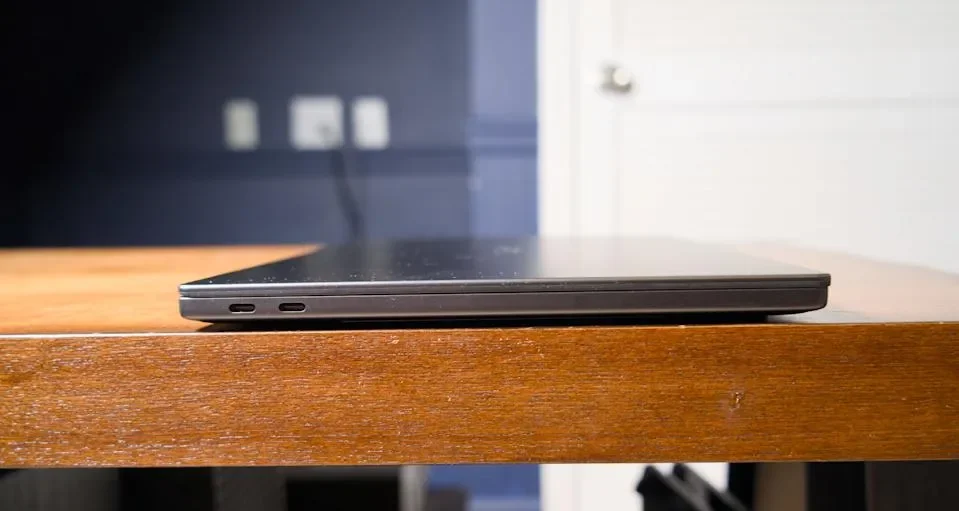
While connectivity is streamlined to three USB-C ports and a headphone jack, the lack of a physical privacy shutter on the 8MP webcam is also noted as a peculiar oversight. Thermal performance appears to be an improvement over the previous iteration, with the keyboard temperature reaching a manageable 91.5 F in testing.
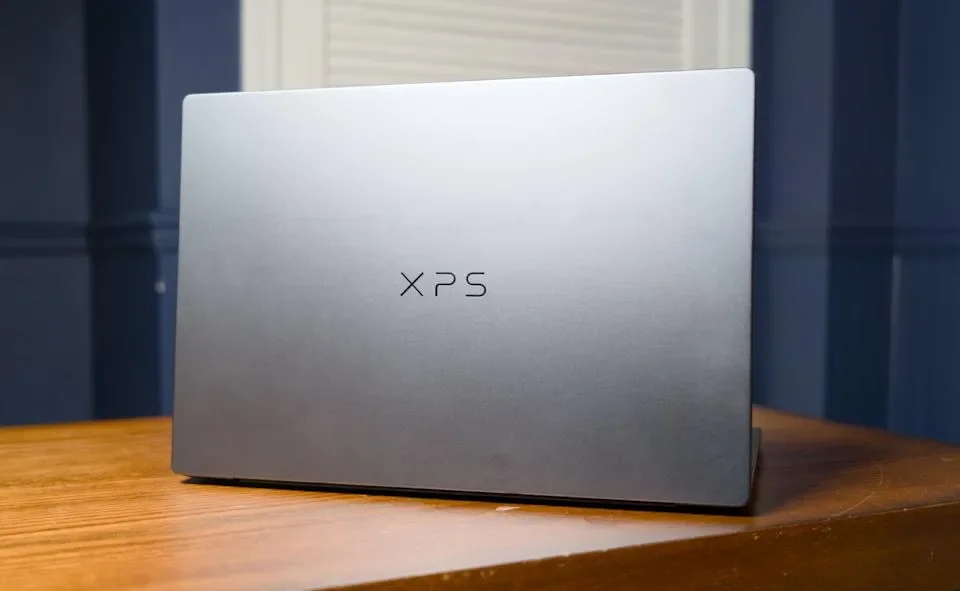
The XPS 14 is offered with a one-year 'Dell Care Plus' warranty, and the branding on the chassis is exclusively "XPS," omitting the traditional Dell logo in favor of a more unified product identity. Despite its advancements, the device seems to navigate a precarious balance, excelling in raw power and design, but stumbling in the fundamental interaction of typing.