Reports indicate a recurring problem where dedicated Nvidia GPUs in various Acer laptop models fail to be recognized by the system, impacting performance and usability. Users across different Nitro and Predator lines are encountering situations where the integrated graphics processor (IGPU) remains active even when attempting to force GPU-only modes, or the discrete GPU vanishes from device managers and Nvidia control panels altogether.
This persistent issue, observed across models like the Nitro AN14-41R5LJ, AN515-55, and others, suggests a systemic challenge in how these laptops manage and present their graphics hardware to the operating system and user-configurable settings. The inability to switch to or even detect the Nvidia GPU forces users onto less powerful integrated graphics, leading to diminished performance for tasks ranging from gaming to general productivity.
Read More: Chrome mimeHandler API lets extensions handle file types
==The problem appears to manifest in several ways:
The Nvidia GPU-only mode in BIOS settings failing to disable the integrated graphics, leaving both running in the background.
The discrete GPU not appearing in Device Manager or Nvidia Control Panel, rendering it inaccessible.
Even after attempting fixes like BIOS updates or driver reinstallation, the GPU remains undetected, forcing reliance on the IGPU.
In some cases, users report the IGPU processing significantly more than the dedicated GPU, leading to low frame rates and stuttering.==
Several users have detailed their struggles on Acer's community forums and other tech support sites. One report specifically mentions the Nitro AN14-41R5LJ where the "Nvidia GPU only mode" within the BIOS does not function as intended, with the IGPU still running. Another user with an Acer Nitro 5 AN515-55 faced a similar situation, with the GPU not being detected even in the Nvidia control panel. Attempts to disable the iGPU sometimes result in the system defaulting to a "Microsoft Basic Display Adapter," further complicating troubleshooting.
Further instances include an Acer Nitro 5 AN515-44-R8US where the GPU was simply not detected by the system, and a Nitro v15 experiencing similar detection failures. Users have tried various solutions, including updating BIOS versions and reinstalling drivers, with limited success. In one instance, a user reported that after adding an SSD, their laptop stopped detecting the dedicated GPU, forcing them to use only the integrated graphics.
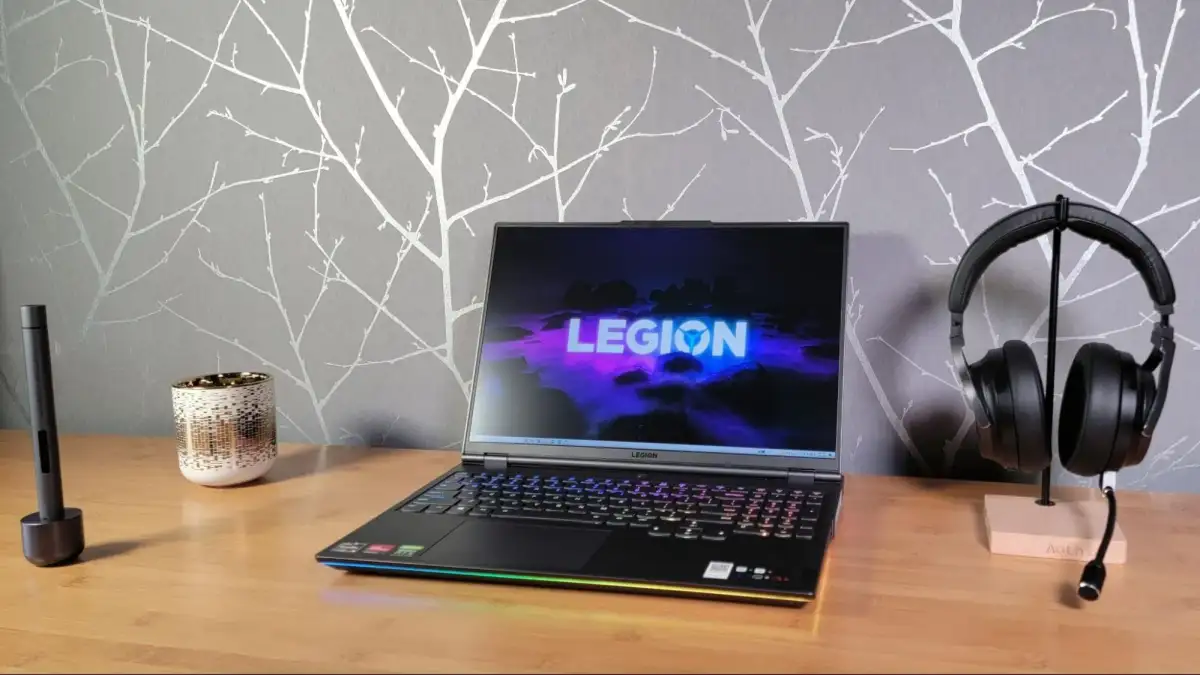
Read More: Lenovo Legion 7 Laptop With RTX 5070 Gets Tested in April 2026
There are also accounts of intermittent issues with applications running via integrated graphics, suggesting that the interaction between the IGPU and the system can be unstable even when the dedicated GPU is functioning. A perplexing observation in one forum thread describes a situation where the Nvidia GPU might not display during the boot process, requiring a minute of black screen before Windows eventually loads, but access during the BIOS stage is entirely lost.
The recurring nature of these graphics detection problems across different Acer Nitro and Predator models points towards a potentially widespread hardware or firmware issue that affects the seamless integration and functionality of dedicated Nvidia graphics cards within these systems.