

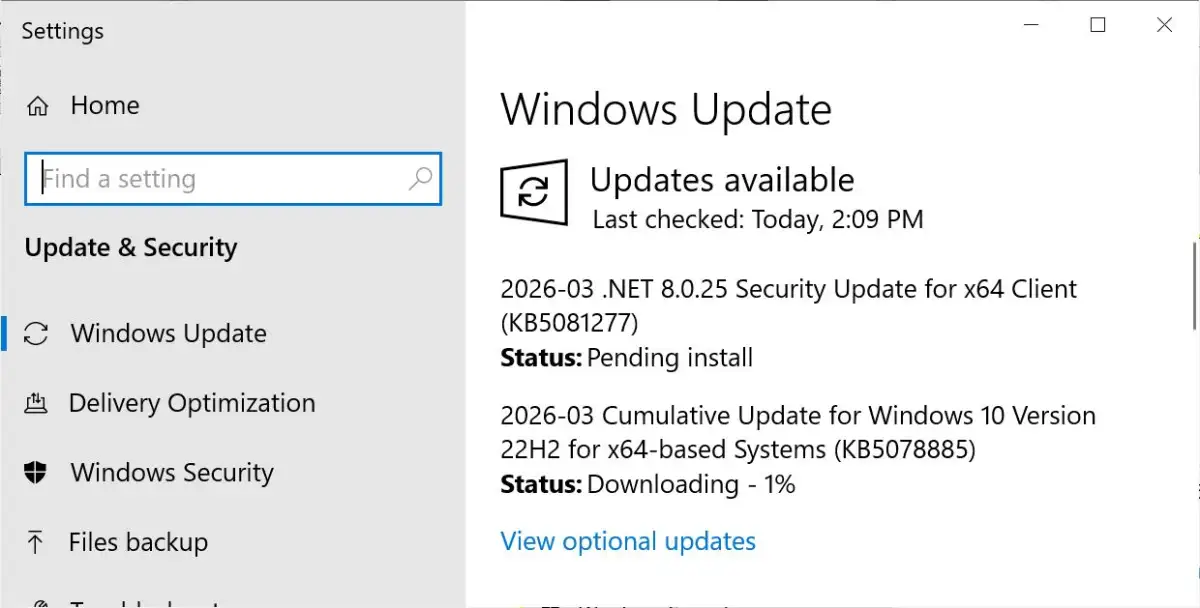
Extended Security Updates (ESU) program participants for Windows 10 are now receiving the KB5078885 update. This cumulative patch, pushed out automatically via Windows Update, includes fixes for graphical issues, File History, and the Windows System Image Manager.
The update also expands support for Secure Boot certificates, a measure intended to enhance system security and device readiness for future updates.
Details of the update:
Target Audience: Primarily users enrolled in the Extended Security Updates (ESU) program for Windows 10.
Distribution: Delivered automatically through Windows Update. Offline installers (.msu) are available for scenarios requiring manual or bulk installation.
Key Fixes:
Addresses problems with graphics performance and stability.
Resolves an issue affecting folder renaming via desktop.ini files in File Explorer.
Improves File History functionality when backing up files.
Corrects a problem that could prevent Windows 10 devices from shutting down or hibernating when System Guard Secure Launch was enabled.
Secure Boot Enhancements: The update incorporates additional "high-confidence device targeting data" within quality updates. This aims to increase the number of devices eligible to receive new Secure Boot certificates automatically. This process is described as a "controlled and phased rollout," with devices receiving certificates only after demonstrating sufficient successful update signals.
Version Numbers: For users on supported versions of Windows 10, this update corresponds to OS builds 19045.7058 and 19044.7058.
Offline Installation and Account Requirements:
For those opting for offline installation using the .msu files, Microsoft requires users to sign in with a Microsoft account, even if they typically use a local Windows account.
Background on Secure Boot:
Secure Boot is a security feature designed to ensure that a device boots using only software that is trusted by the manufacturer. It works by verifying the digital signature of boot software before it loads. Expansions and updates to Secure Boot certificates are part of ongoing efforts to maintain system integrity and protect against evolving security threats. Past issues have arisen where older graphics cards, for instance, have experienced compatibility problems when Secure Boot is enabled in UEFI mode on modern motherboards, sometimes necessitating disabling it or adjusting BIOS settings. Microsoft has previously indicated that enabling Secure Boot fixes by default can sometimes cause system startup disruptions, requiring a phased approach to deployment.
Read More: Chrome mimeHandler API lets extensions handle file types





