

The quest for a text editing experience akin to Windows Notepad++ on Linux systems remains an active pursuit for many users. As operating systems evolve and user preferences shift, the availability and suitability of text editors present a dynamic challenge. While Notepad++ itself is unavailable for native Linux operation, a variety of alternatives have emerged, each offering distinct features and philosophies, leading to a multifaceted discussion among users regarding the most effective replacements.
Understanding the Need for Notepad++ on Linux
Notepad++ is a widely recognized text editor, particularly for Windows users, known for its robust feature set that extends beyond basic text editing. Its capabilities are often desired by developers and power users for tasks such as:
Code editing: Syntax highlighting and auto-completion for various programming languages.
Large file handling: Efficiently opening and navigating through extensive text files.
Plugin support: Expanding functionality through a community-driven ecosystem of add-ons.
Customization: Allowing users to tailor the interface and behavior to their specific workflows.
Many Linux users, accustomed to these functionalities from Notepad++ on Windows, actively seek applications on their preferred platform that can replicate this experience. The absence of a direct Notepad++ port necessitates exploration of the Linux ecosystem for suitable alternatives.
Read More: Chrome mimeHandler API lets extensions handle file types
Examining Potential Replacements and Their Offerings
The Linux environment hosts a diverse range of text editors, and several have been identified as potential Notepad++ alternatives. The suitability of these alternatives often depends on individual user needs and priorities.
Notepad Next: A Direct Reimplementation Attempt
Notepad Next is presented as an open-source application specifically designed to emulate the look and feel of Notepad++ for Linux users.
Cross-platform aspirations: It is built using Qt, aiming for compatibility across Windows, Linux, and macOS.
Feature parity focus: The project's stated goal is to provide many of the features that make Notepad++ popular, particularly for source code editing.
Development stage: While lauded for its potential and aiming for a similar experience, it is acknowledged that Notepad Next is not as powerful as Notepad++ and has "a long way to go."
Established Linux Text Editors: Versatile and Feature-Rich
Beyond direct reimplementations, several established text editors on Linux are frequently cited as strong contenders, offering robust features suitable for coding and general text manipulation.
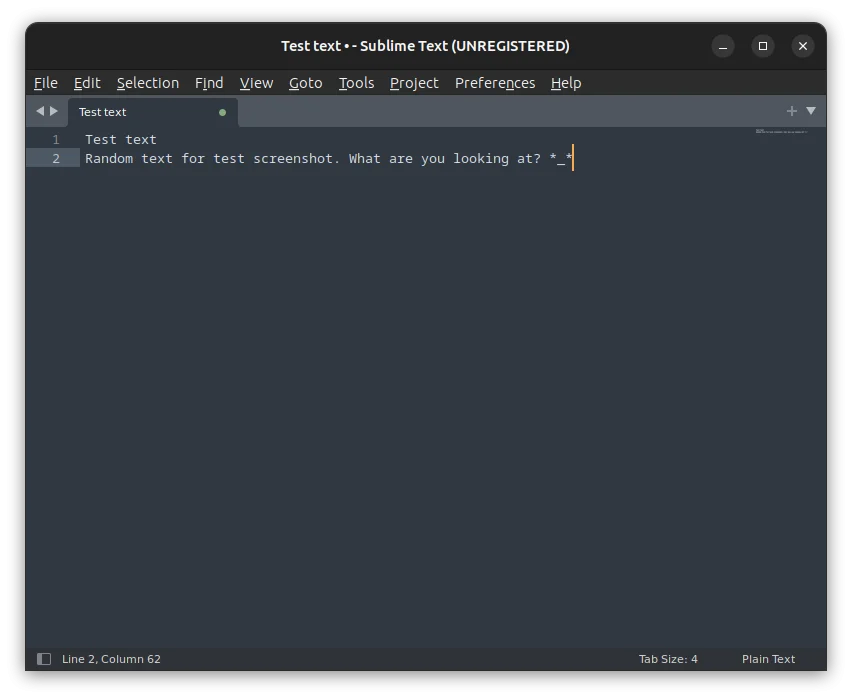
Sublime Text: Described as proprietary software, it is praised for its ability to quickly navigate large text files and its extensibility, although it is not free.
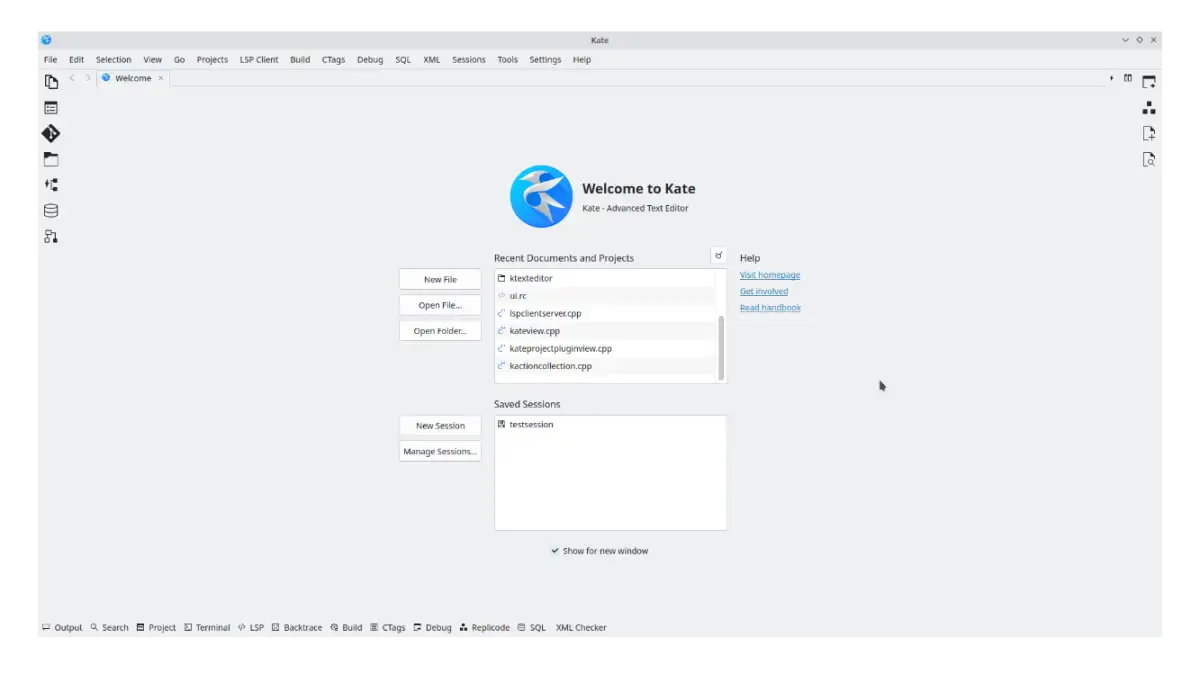
Kate: Available through standard package managers across many Linux distributions, Kate is a capable text editor.
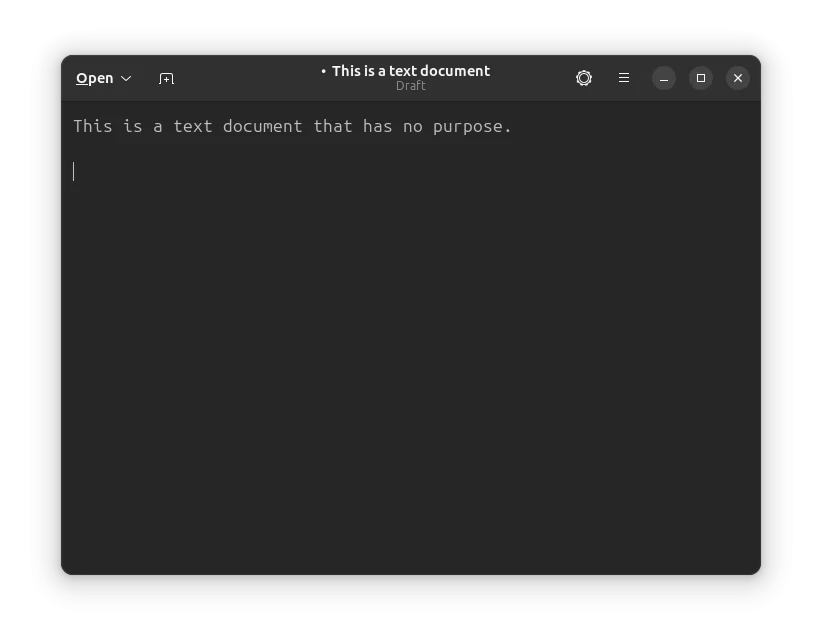
Gedit: Known for its clean and simple graphical interface, Gedit is a general-purpose text editor suitable for ease of use.
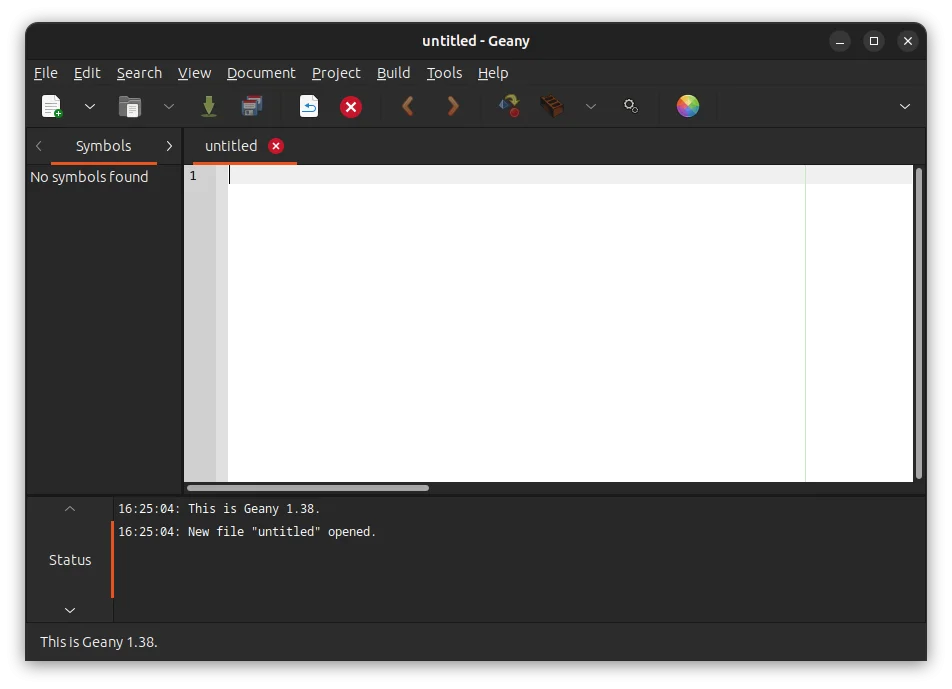
Geany: This editor is designed to be a lightweight and speedy IDE with minimal dependencies.
GNU Emacs: A highly customizable and extensible text editor with a long history and a dedicated user base.
Nano: A simpler, command-line-based text editor often found on Linux systems.
The Wine Option: Running Windows Applications
For users determined to use Notepad++ itself on Linux, the Wine compatibility layer presents an indirect solution.
Emulation approach: Wine allows certain Windows applications to run on Linux.
Experience variation: While it may offer a way to run Notepad++, the experience is noted as "not the same" as running it natively on Windows.
Not a native solution: This approach does not involve a native Linux application but rather an emulation of the Windows environment.
User Perspectives on Text Editor Complexity and Customization
The discussion around text editors often involves a user's desired level of complexity and control. Notepad++ is frequently highlighted for its ability to offer total control, allowing users to define precisely how complex or simple their editing environment should be.
Read More: BEREC Asks for Mobile Network API Ideas from Developers
Distraction-free environments: Users can configure Notepad++ to resemble a classic, distraction-free scratchpad, a preference for those who miss simpler text editing experiences.
Developer needs: It is suggested that Notepad++ provides features that developers actually need, positioning it as a gold standard for coding-related text editing tasks.
Interface evolution: In contrast, some newer versions of text editors, including Windows' built-in Notepad, have moved away from the "clean slate" users may prefer, presenting previously opened files upon launch.
Conclusion: A Diverse Ecosystem for Text Editing Needs
The Linux operating system offers a wide array of text editing tools, catering to users seeking alternatives to Windows Notepad++. While Notepad Next aims to directly replicate the Notepad++ experience, it is still under development. Established editors like Sublime Text, Kate, Gedit, Geany, and GNU Emacs provide robust, feature-rich environments that meet the demands of many users for coding and advanced text manipulation. For those who specifically require Notepad++, Wine offers a potential, albeit not seamless, workaround. The choice among these options ultimately hinges on the individual user's priorities regarding features, customization, licensing, and the desired level of system integration.
Key Finding: No single "perfect" Notepad++ replacement exists for Linux; users must evaluate multiple options based on their specific requirements.
Implication: The ongoing development of applications like Notepad Next and the continued popularity of established Linux text editors suggest a vibrant and evolving landscape for users needing advanced text editing capabilities.
Next Steps: Users interested in a Notepad++-like experience on Linux should explore the most promising alternatives, such as Notepad Next, Sublime Text, and feature-rich options like Kate and Gedit, to determine the best fit for their workflows.
Sources
howtogeek.com: "I wanted Windows Notepad on Linux—this app is the closest replacement I’ve found" - https://www.howtogeek.com/i-replaced-notepad-plus-plus-on-linux-with-this-text-editor/ (Published: Sep 28, 2025) - Provides a personal account of replacing Notepad++ on Linux with Sublime Text, highlighting its navigation capabilities.
itsfoss.com: "Notepad Next is a Reimplementation of Notepad++ for Linux Users" - https://itsfoss.com/notepad-next/ (Published: Jan 23, 2025) - Introduces Notepad Next as an open-source reimplementation of Notepad++ for Linux, detailing its features and installation methods.
itsfoss.com: "8 Best Notepad++ Alternatives For Linux" - (Seen on: Bing) - Discusses various methods and applications for using Notepad++-like functionality on Linux, including alternatives and the use of Wine.
linux.softpedia.com: "Notepad Next - Download (Linux)" - https://linux.softpedia.com/get/Text-Editing-Processing/Others/Text-Editor/Notepad-Next-104147.shtml (Published: Jan 29, 2026) - Offers download information for Notepad Next, describing it as a Qt-based, cross-platform open-source app aiming to replicate Notepad++ features.
howtogeek.com: "I’m done with Windows Notepad: Why I went back to this 20-year-old open-source tool" - https://www.howtogeek.com/windows-11-ruined-notepad-so-i-replaced-it-with-this-open-source-alternative/ (Published: 1 day ago) - Discusses a user's transition away from Windows Notepad and the value of Notepad++ as a powerful, customizable text editor.
tecmint.com: "Top 16 Notepad++ Replacements for Linux in 2025" - https://www.tecmint.com/best-notepad-alternatives-for-linux/ (Published: Apr 7, 2025) - Lists numerous Notepad++ alternatives for Linux, including Kate, Gedit, Geany, and Emacs, providing installation commands for various distributions.



